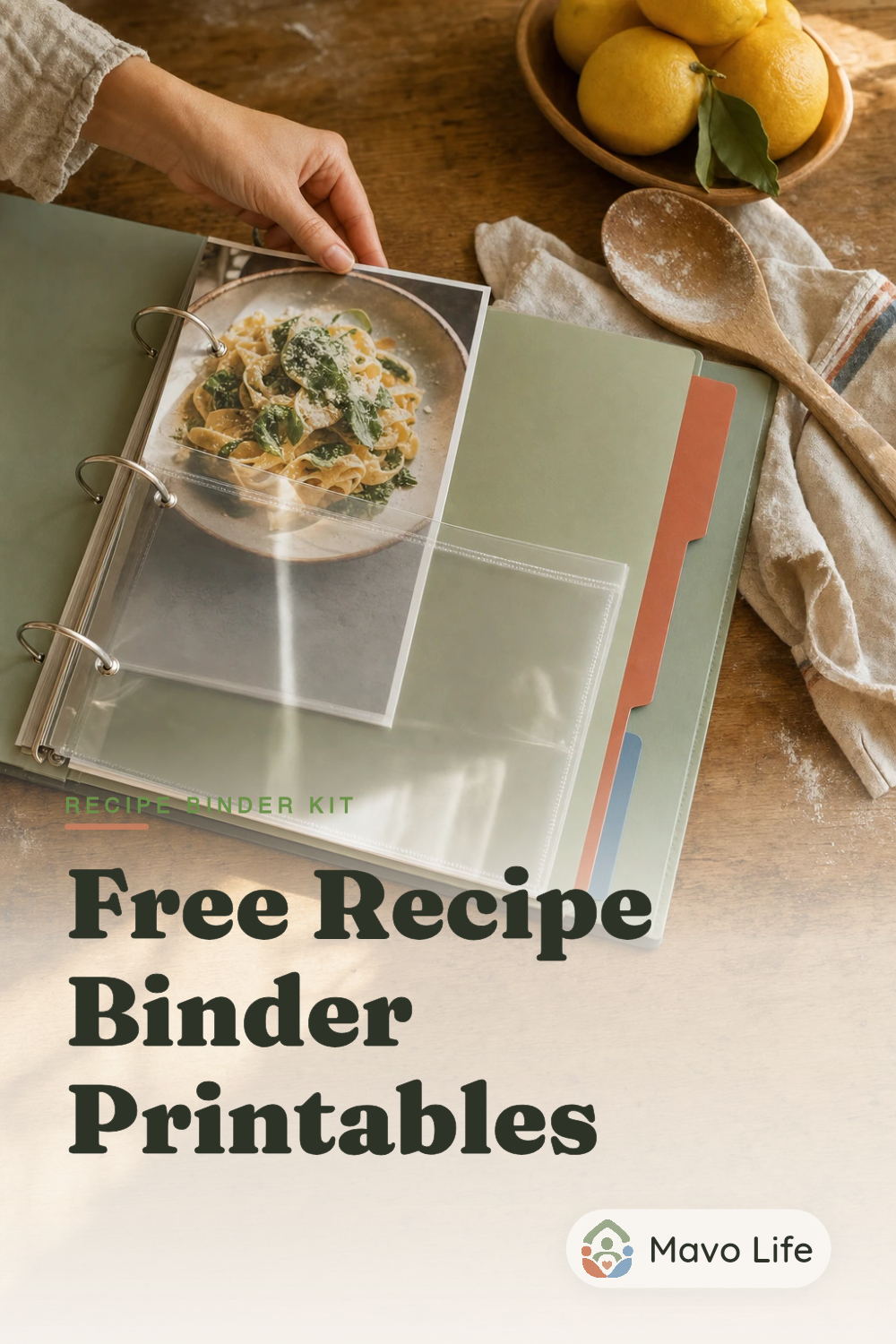
Free 11-page fillable kit
Recipe binder printables
Keep the recipes you cook again, with room for the changes that make them yours. This free 11-page kit includes a cover, index, six category dividers, a recipe page, kitchen notes, and a family favorites list. Type into the PDF or print blank pages to fill in by hand.
US Letter · Fillable PDF · No account or email required
Inside the recipe binder kit
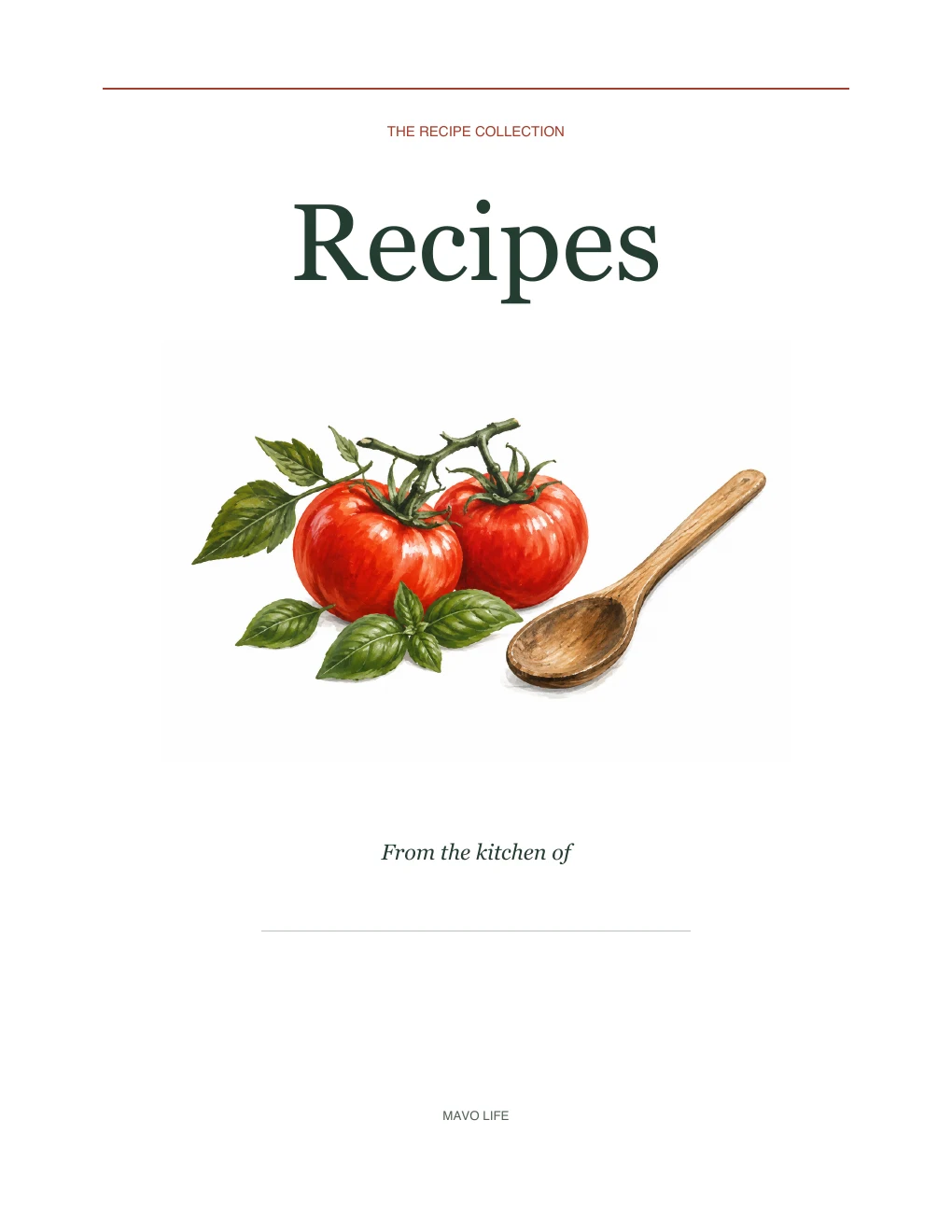
These are the pages in the download. The working pages have a white background, fine rules, and space for handwriting; the cover adds a little color. Select a preview to see it larger.
Page 2
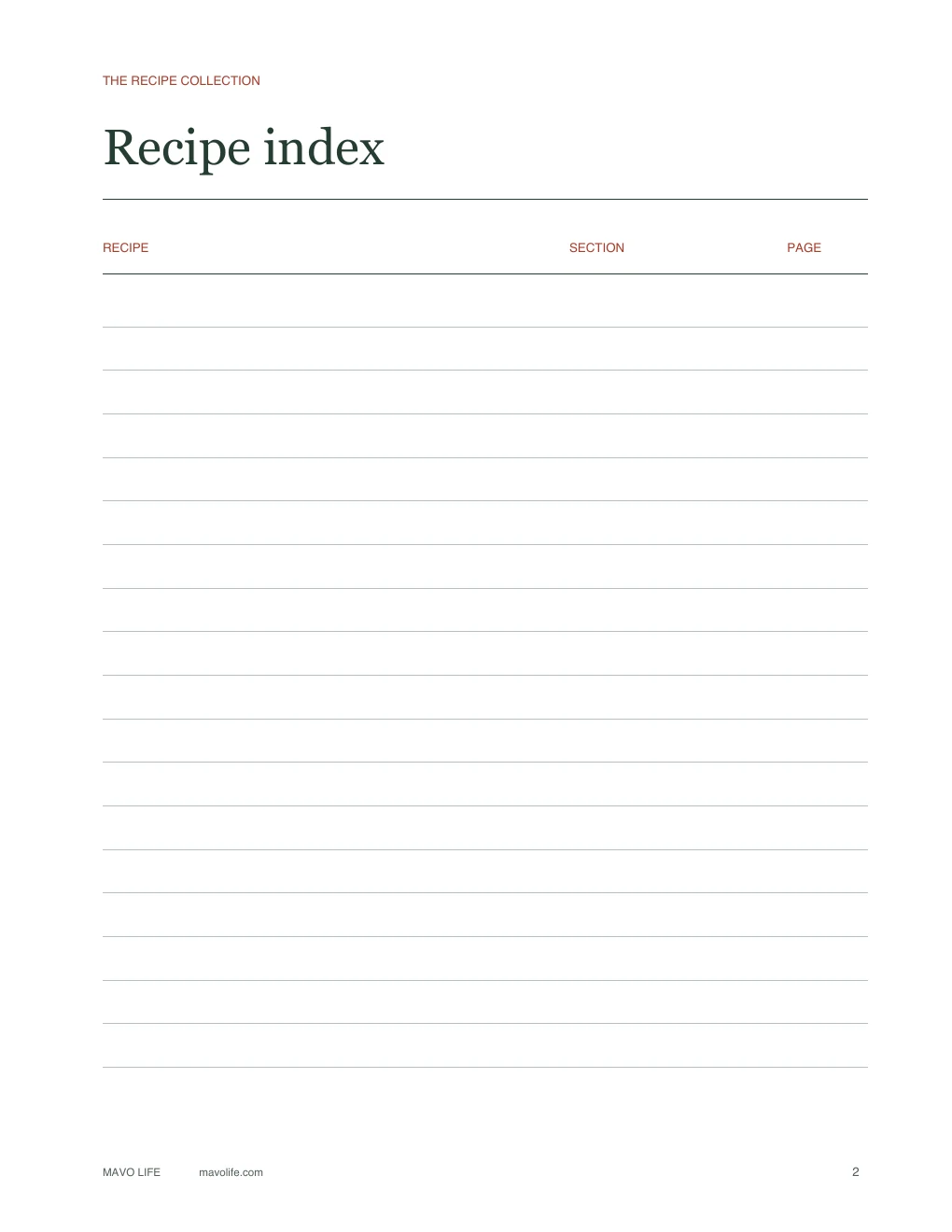
Recipe index
List recipes by name, then add their section and page number. There are 18 rows; print another index page when you need one.
Pages 3–8
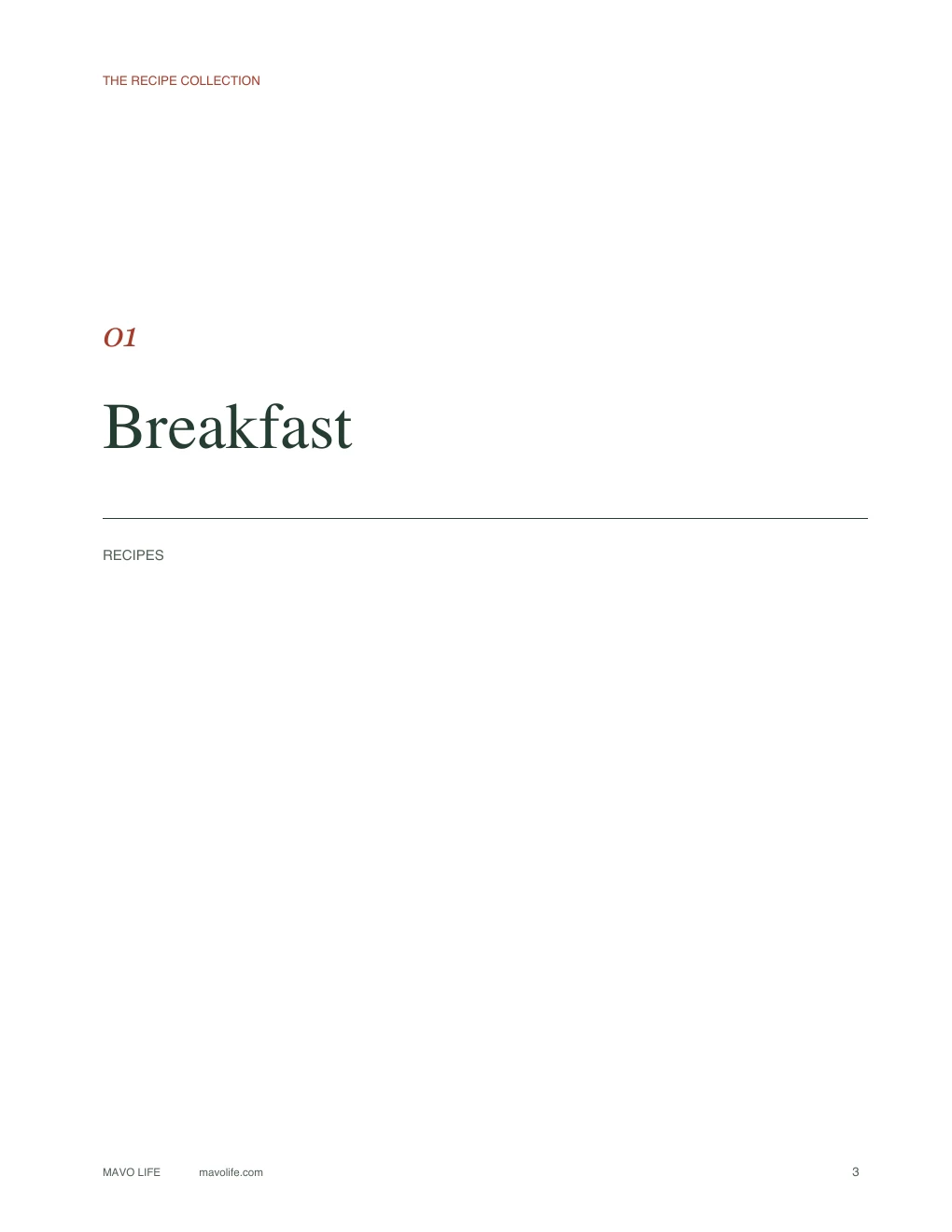
Six category dividers
Breakfast, Soups & Salads, Main Dishes, Sides, Baking, and Desserts are already labeled. You can replace those names before printing.
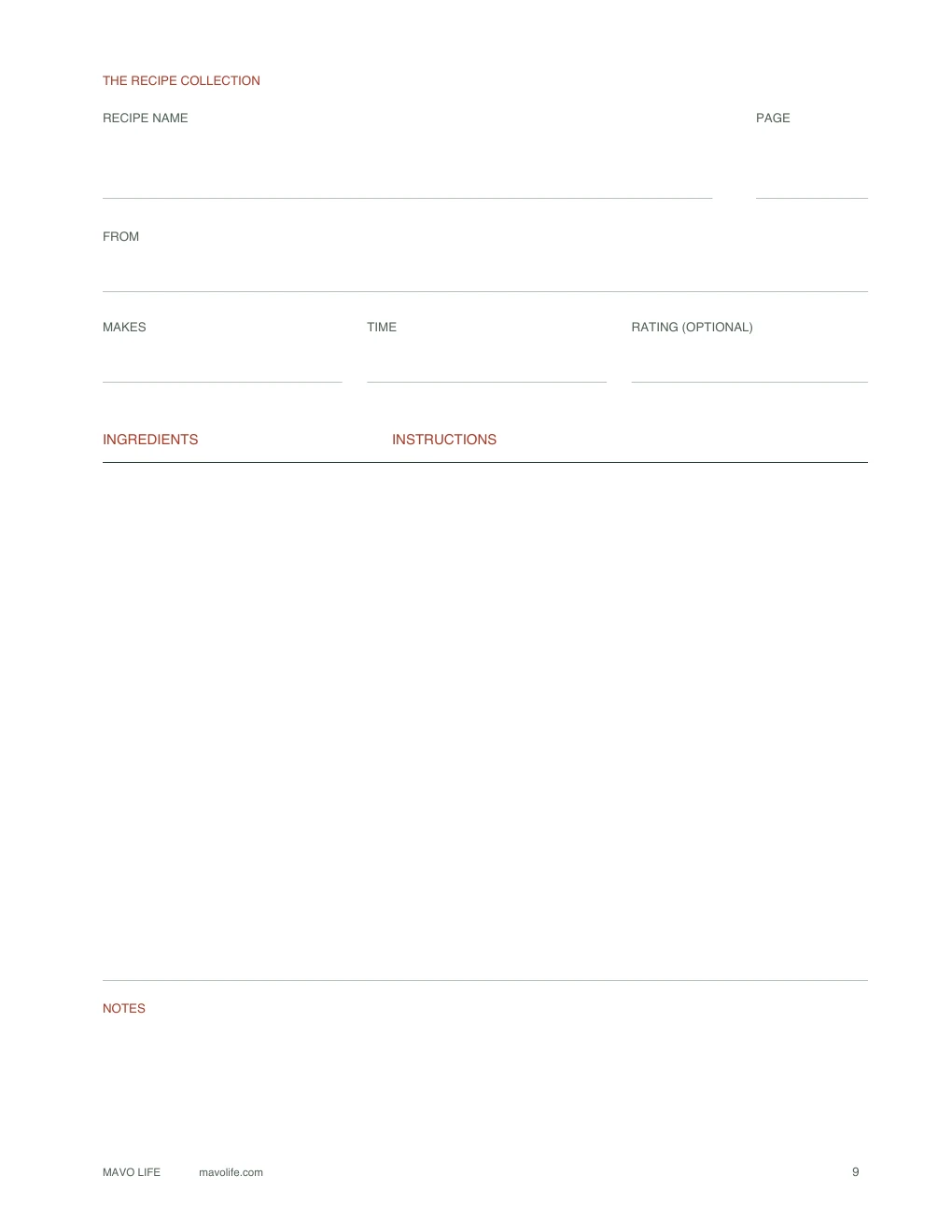
Page 9
Recipe page
Keep ingredients beside the instructions, with the source and cooking time above them. The wider instructions column leaves room for several steps.
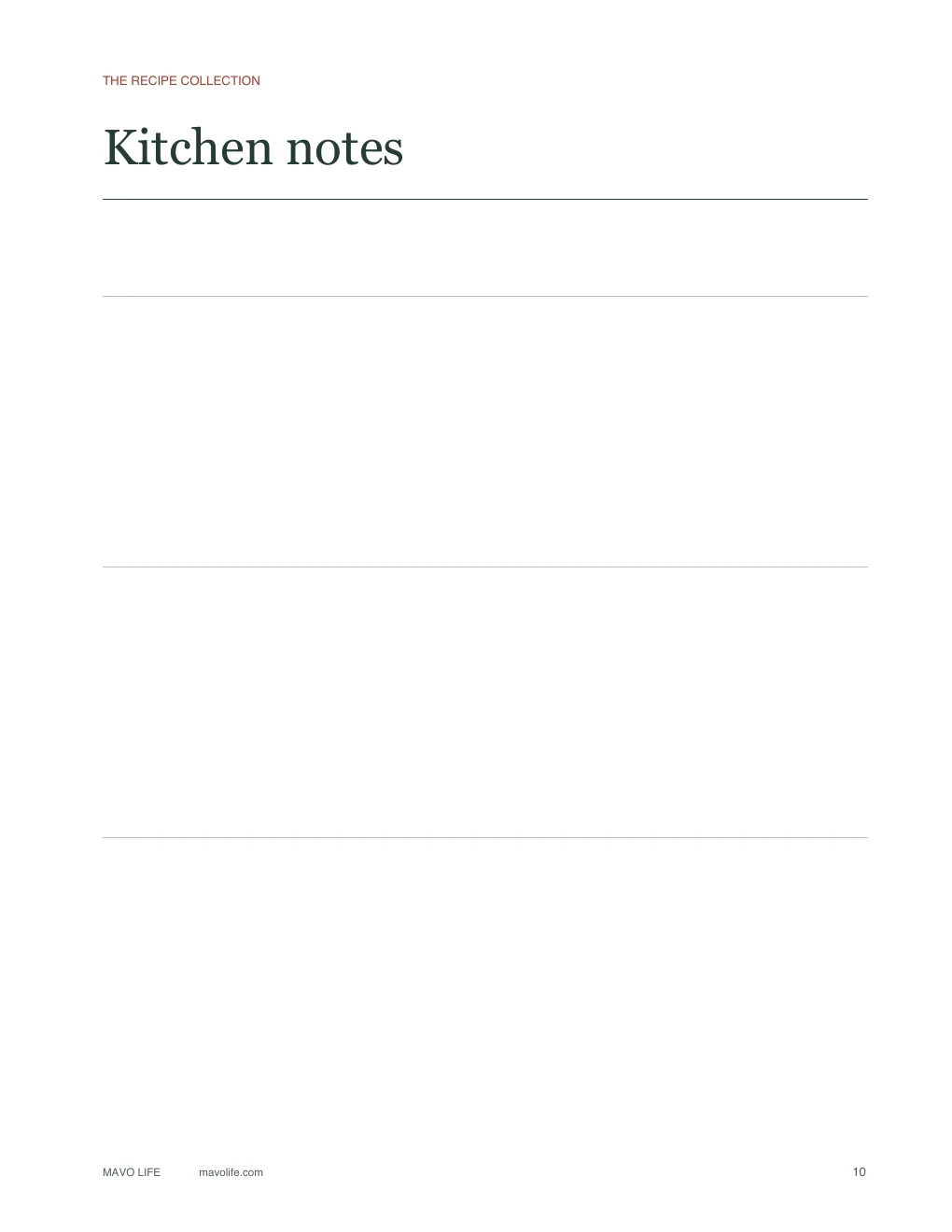
Page 10
Kitchen notes
Use the three open sections for notes you refer to across recipes, such as which pan you used or the changes you want to try next time.
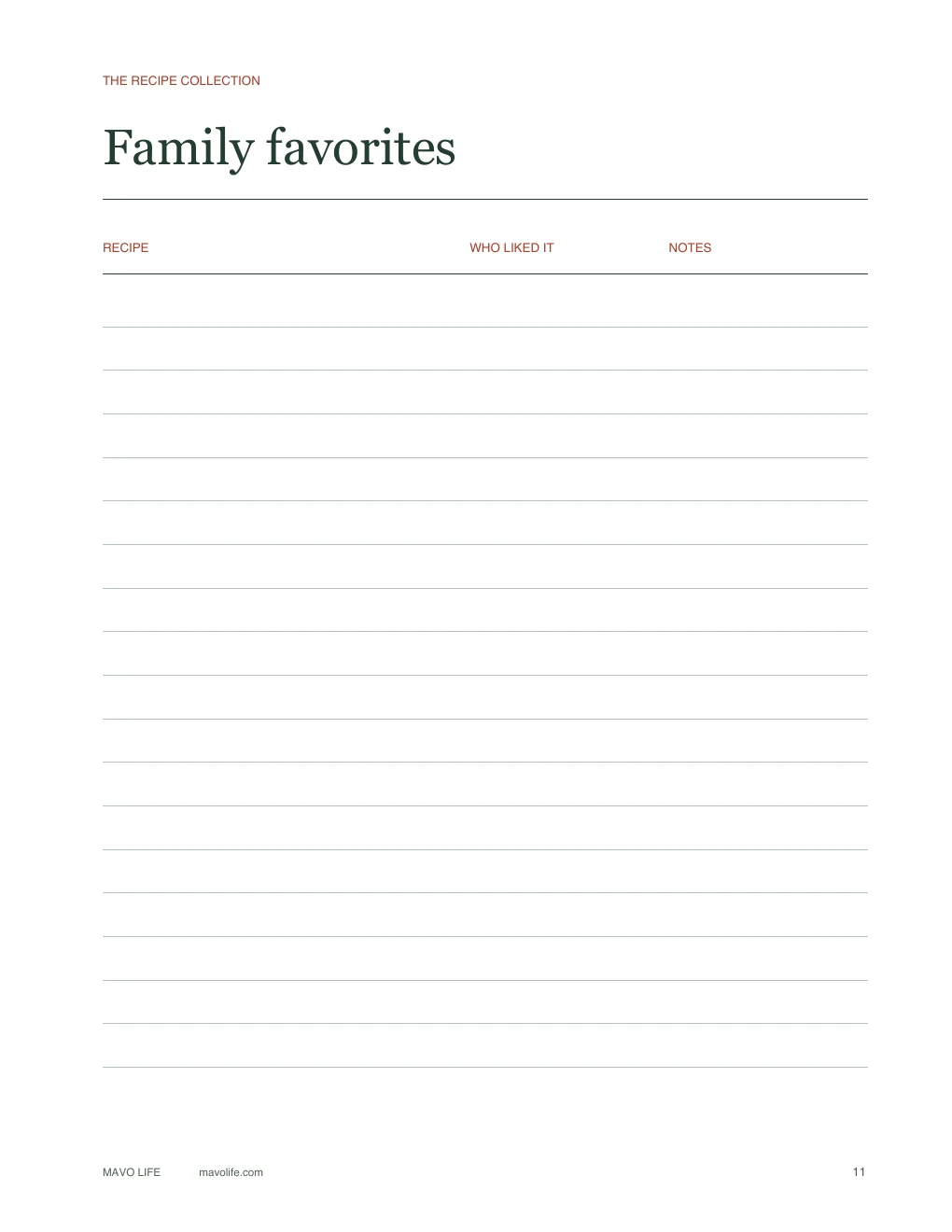
Page 11
Family favorites
Keep a short list of dishes worth repeating and the comments you want to remember. This page is optional; notes beside a recipe work too.
Page 1 is the illustrated cover shown above. Add a name on the “From the kitchen of” line or leave it blank. The kit contains templates for your own collection, not finished recipes, adhesive tabs, or a binder-spine label.
Build a binder that can change
Start with the recipes you already reach for. A few handwritten cards, a printout with sauce stains, and a recipe saved on your phone can all belong in the same binder. There’s no need to copy everything onto matching pages before you use it.
Giving a recipe binder as a gift? The gift tag maker prints a To/From tag for each name on your list.
If part of your collection belongs in a card box, the recipe card maker turns your own text into numbered 3×5 or 4×6 cards.
You’ll need a binder that holds US Letter sheets, a printer, and either a hole punch or punched sheet protectors. Ordinary paper works for recipe pages. If you want sturdier dividers, use cardstock your printer supports, or put the dividers in sheet protectors. Check that your tabs extend beyond the protectors so you can still find them.
Choose categories you’ll remember
The six included names work for a general collection, but you can rename them around what you cook. If most of your recipes are dinners, “Chicken,” “Vegetarian,” and “Pasta” may be more useful than a separate Breakfast section. A baking binder might use “Bread,” “Cookies,” and “Cakes.” You don’t have to use all six.
When a recipe could go in two places, file it where you’d look first. Put a quiche under Breakfast if you make it for brunch, or Main Dishes if it’s usually dinner. Add a second index entry pointing to the same page if that saves you hunting.
Find the recipe again
Put the index at the front and group recipes behind their dividers. For a small collection, a section name may be enough. For a growing binder, number recipes within each section: “Mains 1,” “Mains 2,” and so on. Then a new breakfast recipe won’t make you renumber every dinner.
The small footer numbers identify pages in the original PDF. Use the separate PAGE field on the recipe template for your own numbering, and match that number in the index.
Keep the real source
Write the cookbook and page, website, or person who shared the recipe in FROM. Keep an original handwritten card in a pocket or sleeve if you’d like to preserve the handwriting. You can place a typed copy beside it for cooking without replacing the original.
Use NOTES for the details the original recipe doesn’t know: “double the sauce,” “use the smaller pan,” or “the kids preferred it without the olives.” For a long method, continue on the kitchen notes page and give both sheets the same recipe name.
Rate after cooking
Use the rating field for a number or a short verdict. Leave it empty until you’ve made the dish, or skip ratings entirely. If you keep the family favorites list, a note like “good cold for lunch” may help you choose next week’s meals more than a score does.
When you’re choosing dinners from the binder, the meal planning template with grocery list has space for the week’s meals and what you need to buy. Keep that changing weekly plan separate from the recipes you’ll use again.
Printing and editing the PDF
The pages are 8.5 × 11 inches. Print at Actual size or 100% on US Letter paper, and check one sheet before printing a stack. The left margin leaves room for binding. Single-sided printing keeps each divider facing forward and lets you add recipes individually.
Print pages 1–8 once for the cover, index, and dividers, then make as many blank copies of page 9 as you need. Add page 10 for extra notes and page 11 if you want the favorites list. You can select individual pages in the print dialog instead of printing the whole kit each time.
To type before printing
- Download the PDF and keep an untouched copy. Open a working copy in a PDF reader that supports fillable forms.
- Select a blank field to type. The cover’s name line, category names, recipe fields, index, notes, and favorites rows are editable. The page layout and printed labels stay fixed.
- Save a copy with a name you’ll recognize, then close and reopen it to check your text before printing. For another typed recipe, start with the blank original and save a separate file.
PDF viewers vary, especially on phones. If the fields won’t accept text, open the downloaded file in a form-capable PDF reader instead of the browser preview. Check the print preview for long entries: text that scrolls inside a field may not all appear on paper. Shorten the entry or continue on a notes page rather than squeezing the type smaller.
For handwriting, print the file as it is. The interiors have no full-page color fill, and you can choose grayscale if you don’t want the small red accents in color.
Recipe binder questions
Can I use A4 paper?
The file is designed for US Letter, not A4. If A4 is what you have, choose Fit in your print dialog so the full page stays inside the printable area. That changes the scale slightly; check one page for writing space and hole-punch clearance before printing the rest.
Can I add more recipes later?
Yes. Print more copies of the recipe page and file them behind the right divider. You can also add your existing printouts or recipe cards in sleeves. The kit doesn’t set a limit on your collection.
Is this a digital recipe organizer?
It’s a fillable PDF intended for a paper binder. You can save typed copies, but it doesn’t import recipes from links, calculate nutrition, or build a searchable recipe database. Those jobs need a different kind of tool.
Can I use it to make a family recipe gift?
Fill in the cover’s name line and add the recipes you want to share. The source field can hold the person’s name, while the notes area has room for a memory or a change they always made. Include copies of handwritten originals if that’s part of what you want to pass along.
Save for later
Save the kit for your next recipe sort.