Pickup & drop-off · July 10, 2026 · 5 min read
Carpool schedule template that ends the group text
A carpool schedule template that ends the group text: who drives, who's backup, who rides, and how swaps happen, without relitigating it every week.

Define the ride before you divide the driving. A carpool schedule template needs to say which recurring trip the group is covering, who rides, the pickup time and place, and any real seat or restraint constraint. Only then can Monday belong to one family and Tuesday to another.
This prevents a surprisingly common mismatch: one parent thinks the roster covers afternoon school pickup, another thinks it includes morning drop-off, and a third assumes the Thursday activity ride is part of the deal. All three can agree on the driver list and still be agreeing to different carpools.
The printable below keeps the driver, backup, riders, time and place, and swap contact together. Use the group thread to propose a swap, then copy the accepted driver back to the roster so nobody has to reread the chat later.
Why the group text keeps reopening the question
A group text is useful while adults are asking, trading, and confirming. It is hard to scan later for the current version of five connected facts: the trip, riders, driver, backup, and latest accepted change.
The trouble starts even earlier when the group never names the trip. "Thursday carpool" might mean morning school drop-off, afternoon pickup, or the drive from school to practice. Separate unlike rides when the rider set, destination, time, or required capacity changes. A morning and afternoon run may need two rows even when the same families participate.
Once the ride is defined, the thread has a narrower job. Use it to discuss a swap or a late update, then record the accepted result on the roster. A thumbs-up reaction can acknowledge a message. It shouldn't be the only surviving evidence of who has Thursday.
If two parents in one household are trading their own school runs, use the school pickup schedule for two working parents. This template is for a recurring ride shared across households.
Set the rotation once: driver, backup, riders, time, place
Fill the fields in this order:
- Activity or school run. Name one recurring obligation, such as afternoon school pickup or the drive to Wednesday practice.
- Riders, time, and place. List the children on that ride and the exact pickup point. If the rider set changes on one day, show the exception in that row.
- Capacity and restraints. Count real usable seats for those riders. The American Academy of Pediatrics says children who have outgrown a forward-facing seat should use a belt-positioning booster until the vehicle belt fits properly, typically around 4 feet 9 inches and ages 8 to 12. Children under 13 should ride in the back seat. Fit and state law still need to be checked for the actual child and trip.
- Standing driver and backup. Assign each day only after the group knows what that turn includes. "Backup is whoever is free" still leaves the slot open.
- Swap contact. Pick where a driver starts a trade and where the accepted change will be recorded.
In Mavo, a recurring ride can be a calendar event with one account-linked adult in your household responsible for it. Keep outside carpool drivers in the event notes and on the printable roster; Mavo doesn't model the other carpool families or their available seats.
The carpool roster, ready to fill in
The printable starts with activity and season, then gives every weekday a driver, backup, riders, pickup time and place, and swap contact. Fill in the shared ride information before assigning the driver column.
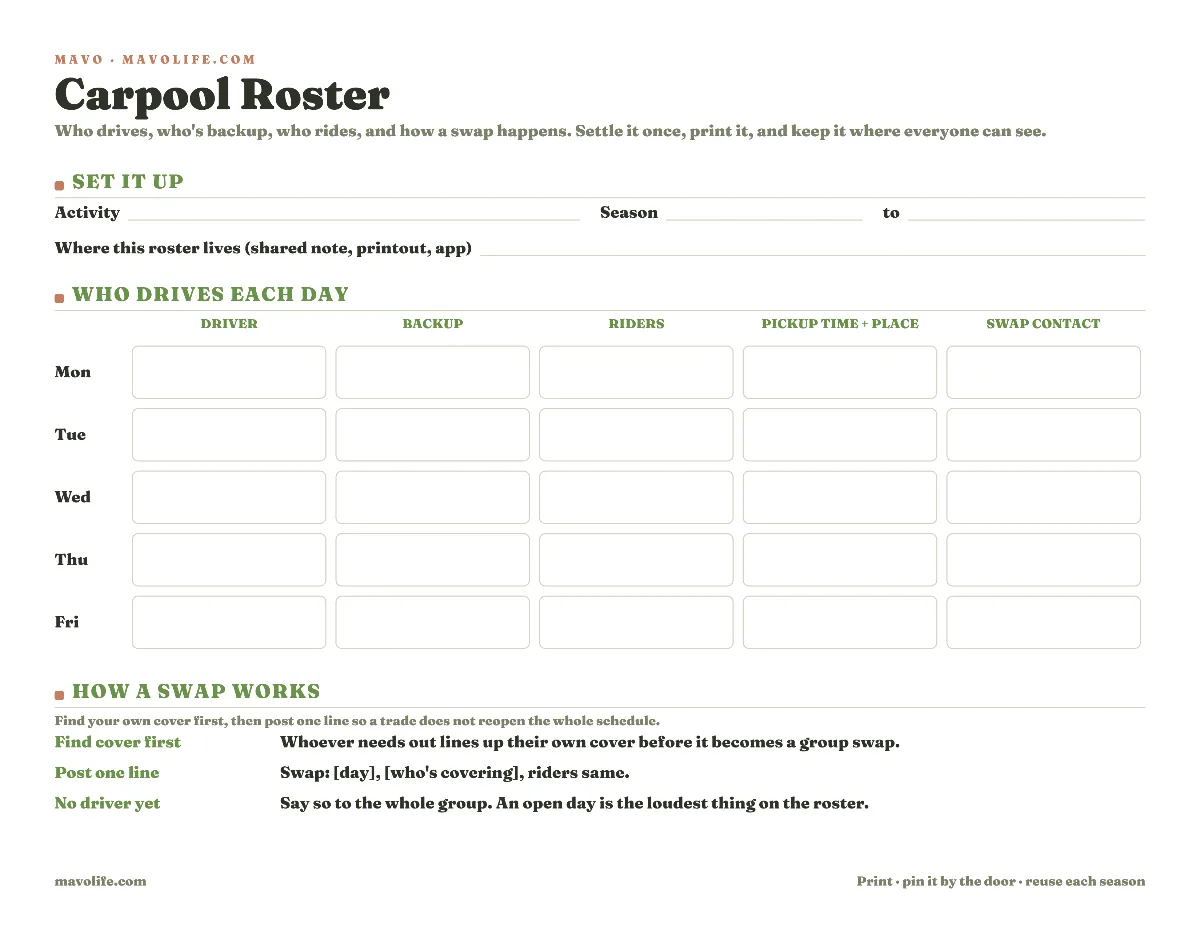
Download the printable carpool roster (PDF)
If the rotation flips week to week, print and label one copy per week or note "odd/even weeks" in the driver column. If morning drop-off and afternoon pickup have different riders or families, use separate clearly labeled copies. One crowded sheet is not an improvement if a parent has to decode which trip a row means.
The same kind of standing assignment works for the team snack and water sign-up, but keep the jobs separate. A snack family and a driving family may be different on the same date.
A swap rule so trades don't reopen the whole thing
The standing rotation is the baseline. A swap is a dated exception, and it should change only the affected ride.
Have the driver who needs out ask the named backup or another eligible parent directly. Once that person accepts, post the result to the group and update the schedule:
Swap: I've got Thursday, Dana's taking it, riders same.
That line preserves the original ride and changes the driver for Thursday. If the riders, pickup place, or time also changed, say so instead of writing "riders same."
When nobody accepts, mark the driver open on the roster and in the event notes. Don't leave the former driver's name in place while the group searches. Change Mavo's owner only if the account-linked adult in your household who is responsible for coordinating the ride also changes.
When a carpool day has no driver yet
An open day should look open on the roster and in the event notes. Cross out the former driver on paper and write driver open in the notes. Remove Mavo's owner only if the household adult responsible for coordinating the ride also changes. A stale driver name is worse than a visible blank because it makes the group believe someone is driving.
Mavo can keep the date and your household's coordinator visible. It cannot alert the other carpool families, track their seats, or confirm that an outside driver accepted the turn. Treat the roster and the accepted group message as the source for the driver.
Get the season into one calendar first
The carpool depends on the underlying dates. A roster can't assign a ride for a practice that moved or a game that was canceled.
First put the season's practices, games, and tournaments in a calendar everyone uses. Turning a season of sports schedules into one shared calendar covers that source work. Then define the specific recurring ride layered on those events and assign the driving turns.
When the coach changes a date, update the event before adjusting the carpool. When a parent swaps a day, update the dated driver on the roster and in the event notes. Change Mavo's owner only if your household coordinator changes. Keeping those edits distinct makes it clear whether the trip changed, the driver changed, or both.