A long recipe can take more than one card
The maker keeps body text at 11 points and adds cards as needed. Ingredients come first, then directions, then optional notes. A section that crosses a card boundary repeats its heading with “continued,” so you can pick up where the previous card ended. Every card carries your title and its number in the set.
Keep one ingredient or step per entered line. Longer lines wrap automatically; blank lines remain as space. Check the card count after editing or changing sizes. Moving from 3×5 to 4×6 gives each card more room and may reduce the count. The editor supports up to 60 cards for one recipe.
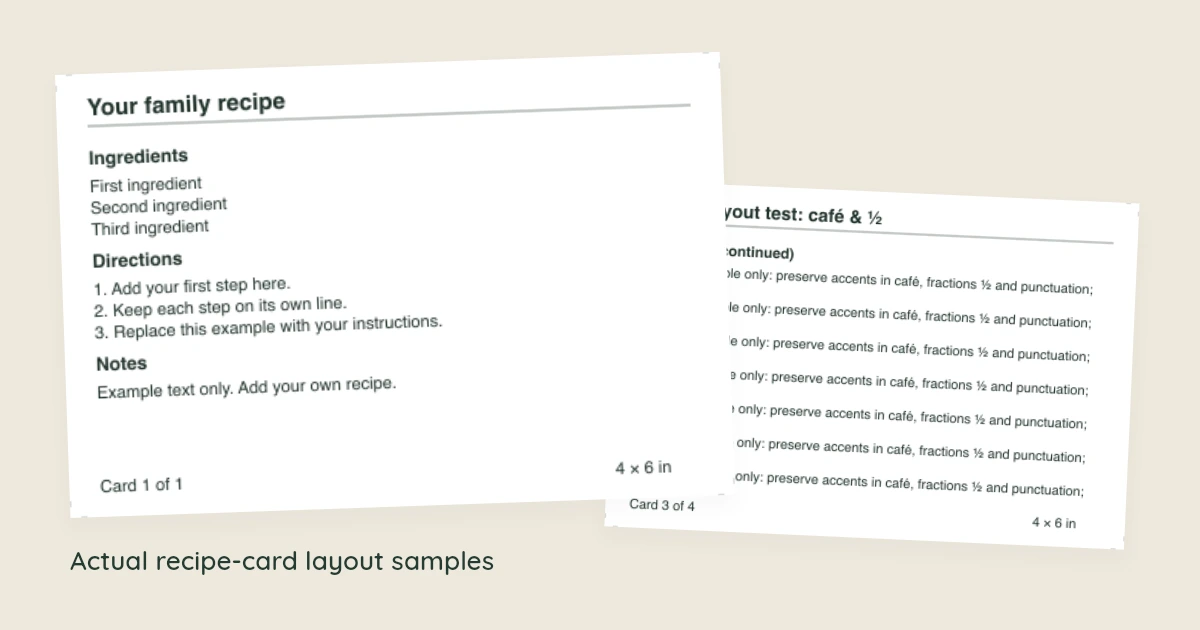
Choose a card size that fits your box
A 3×5 card is 5 inches wide and 3 inches tall (127 × 76.2 mm). A 4×6 card is 6 inches wide and 4 inches tall (152.4 × 101.6 mm). Both are landscape. Measure an existing card or the space inside your box before choosing.
The PDF places up to three 3×5 cards or two 4×6 cards vertically on each sheet. US Letter and A4 change the sheet around the cards; they leave the cards’ dimensions and text size the same. Partial final sheets contain only the cards you need.
For recipes you prefer to keep on full-page sheets, use the recipe binder pages. To label the collection’s front and spine, try the binder cover maker.
Inspect the short and long layout samples
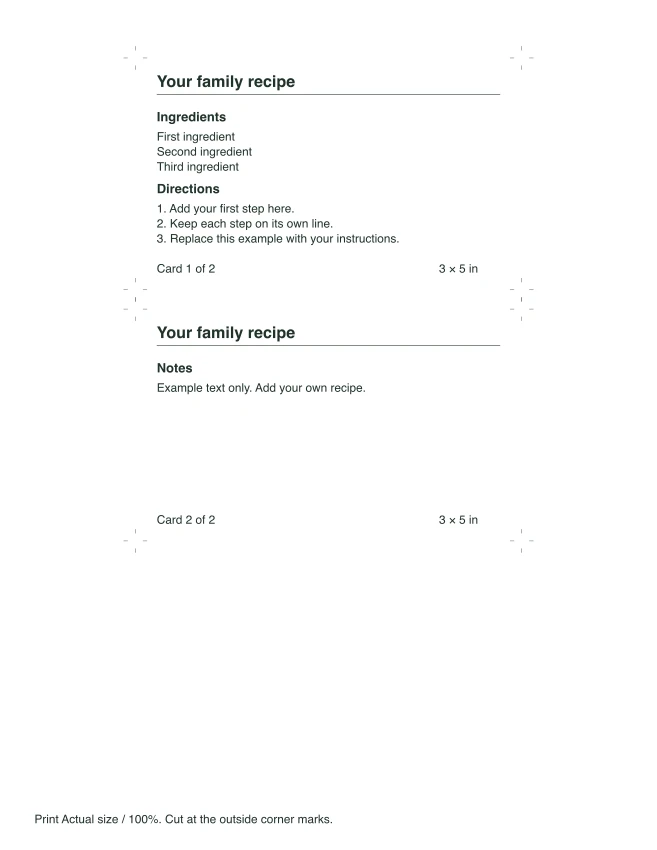
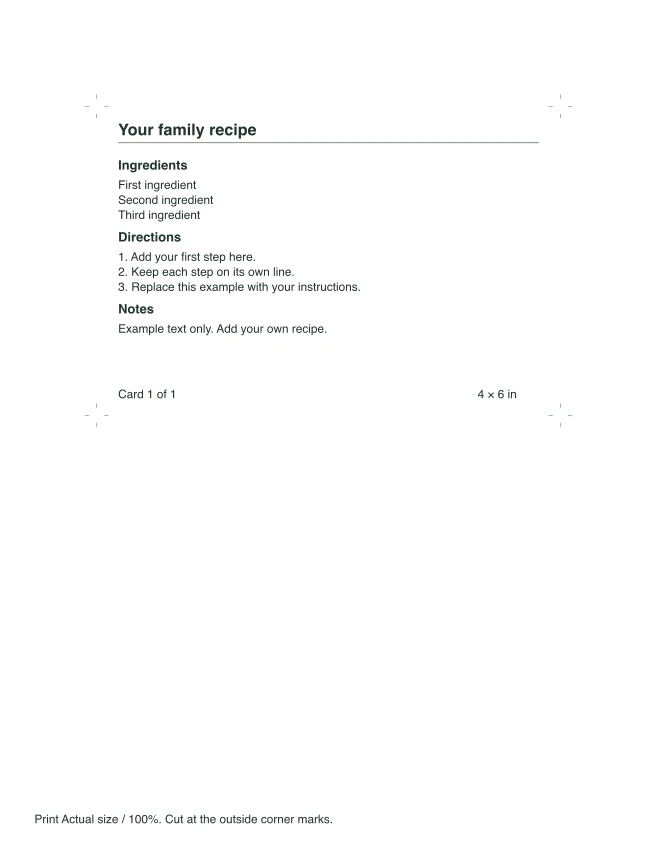
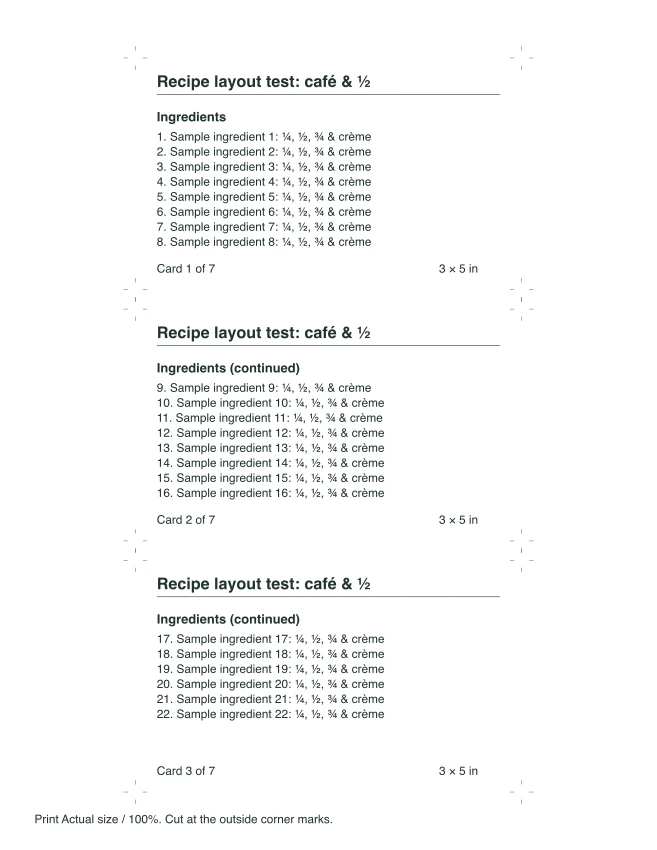
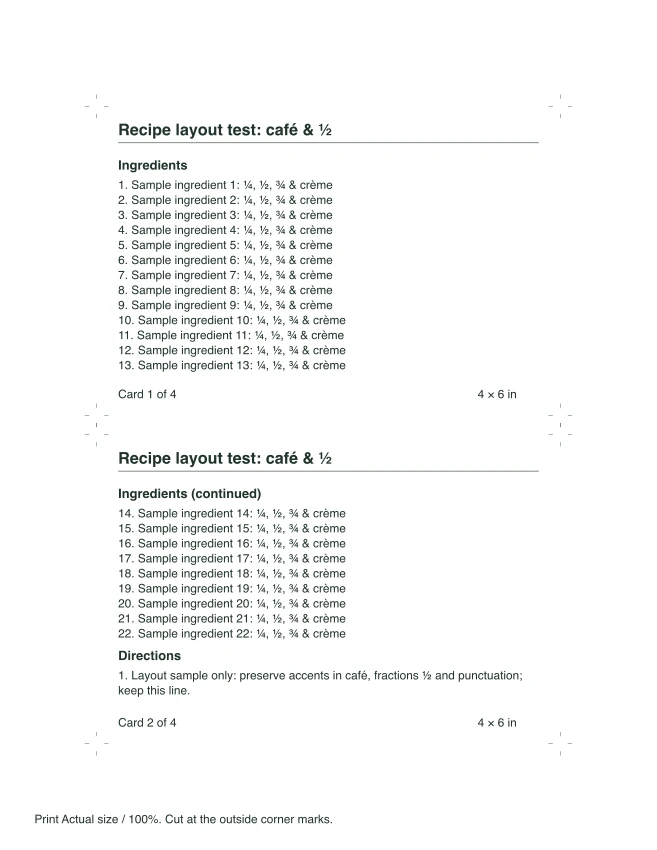
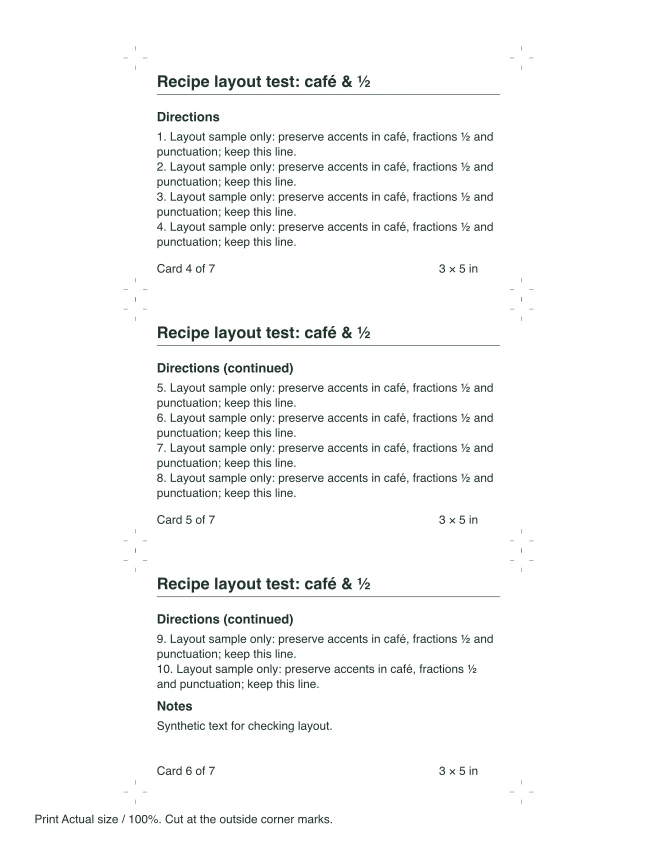
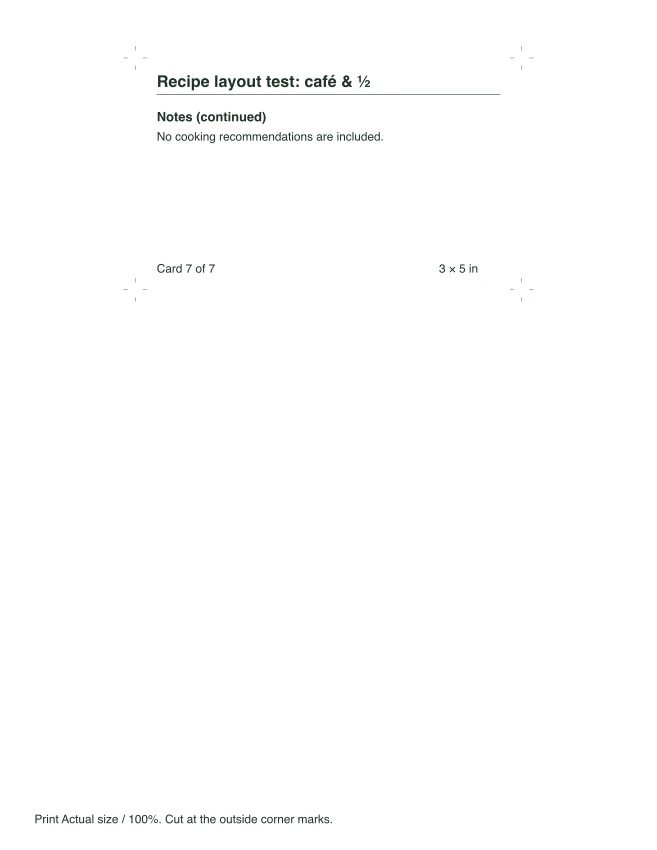
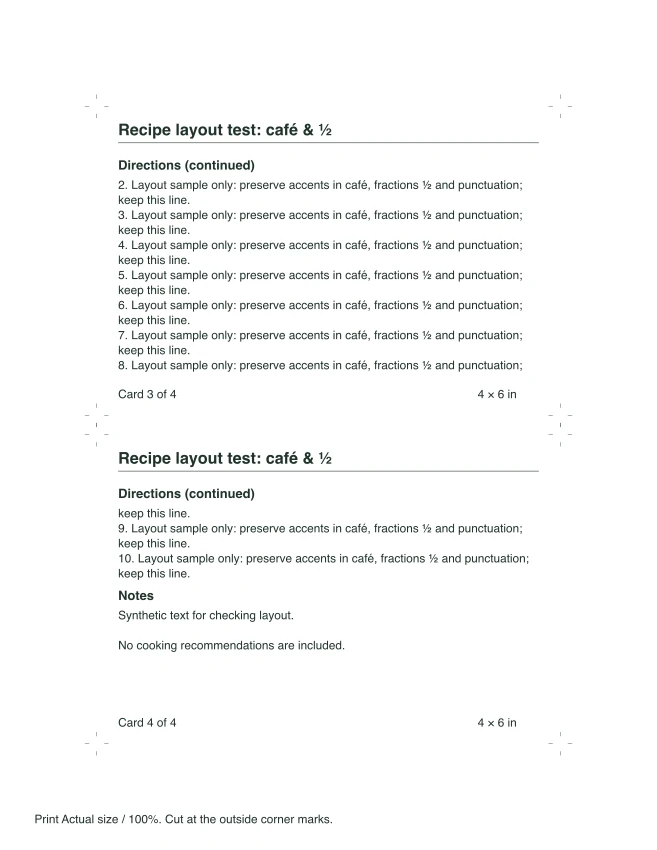
These files contain synthetic layout text, not recipes or cooking advice. The short sample shows the editor’s starting text. The long sample has 22 ingredient lines, ten longer direction lines, accents, fractions and a blank line in the notes. Its 3×5 version uses seven cards across three sheets; its 4×6 version uses four cards across two sheets.
Short layout sample
Long layout sample
See the remaining continuation sheets
Print a test sheet before cutting
Download the PDF and open it in a PDF viewer. Select the matching paper size, single-sided printing, and Actual size or 100%. Turn off “Fit to page,” which changes the card dimensions. The small corner marks sit outside the text area and show where to cut. Use a ruler to check one printed card before printing the rest.
Cards use dark text on white paper and work in grayscale. The previews are scaled to fit your screen; the PDF contains the measured layout. Printer margins, scaling and your card box can affect the final fit. These files have been checked digitally; no physical printer or box fit is promised.
Can I use special characters or paste a whole recipe?
Paste ingredients and directions into their separate fields. The maker keeps your wording; it does not extract recipes from websites, photos or files. Latin letters, common Western accents and fractions ¼, ½ and ¾ are supported. Characters the font cannot print produce a visible correction message. Replace tabs with spaces. A long title must fit two lines at 15 points; extra detail can go in Notes.
Can I edit a recipe after downloading?
You can keep changing the fields while this page stays open. Downloading does not clear them. Reloading starts with the sample, and the PDF is not an editable form. Keep your recipe text separately if you want to enter it again later. The maker does not add photos, calculate quantities or create a shared recipe collection.
Keep the maker with your recipe collection
Published October 15, 2026.