One list, in the order you entered it
Put one recipient on each line. The first name goes on the top-left tag, followed by the top-right tag, then the next row. After eight names, the next sheet begins. A partial last sheet contains only the tags you requested.
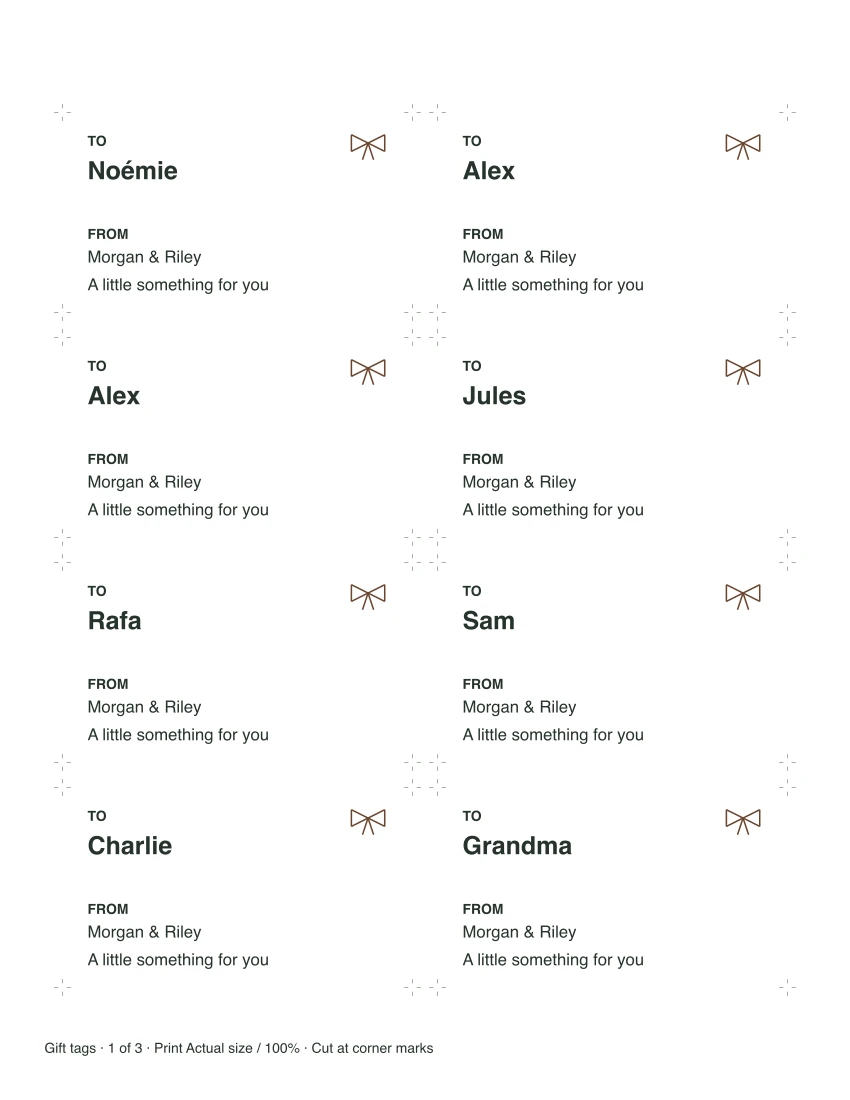
Two presents for Alex? Keep Alex on two lines. If the same name appears more than once, the editor points out those lines and asks you to confirm the repeats before downloading. Capitalization does not hide a repeated name. If two different people share a name, edit just their lines to add a surname or initial.
Blank lines make no tags and do not change the order of the remaining names. Change the shared From or message field to update every tag; clear Message for a plain To/From design. The maker accepts up to 80 names at once.
Readable names have a fixed place
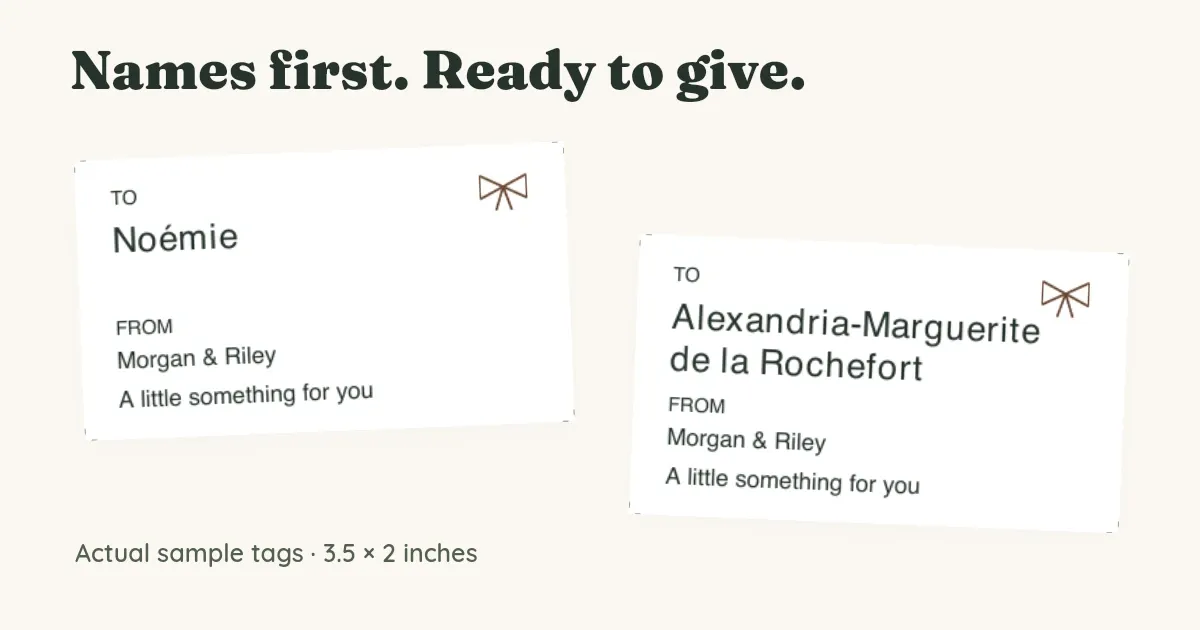
Recipient names print in bold at 18 points and wrap onto a second line when needed. The sender and optional message each have one line at 12 points. If text runs past that space, the editor names the field or recipient line to correct. It keeps your entered text while you shorten it.
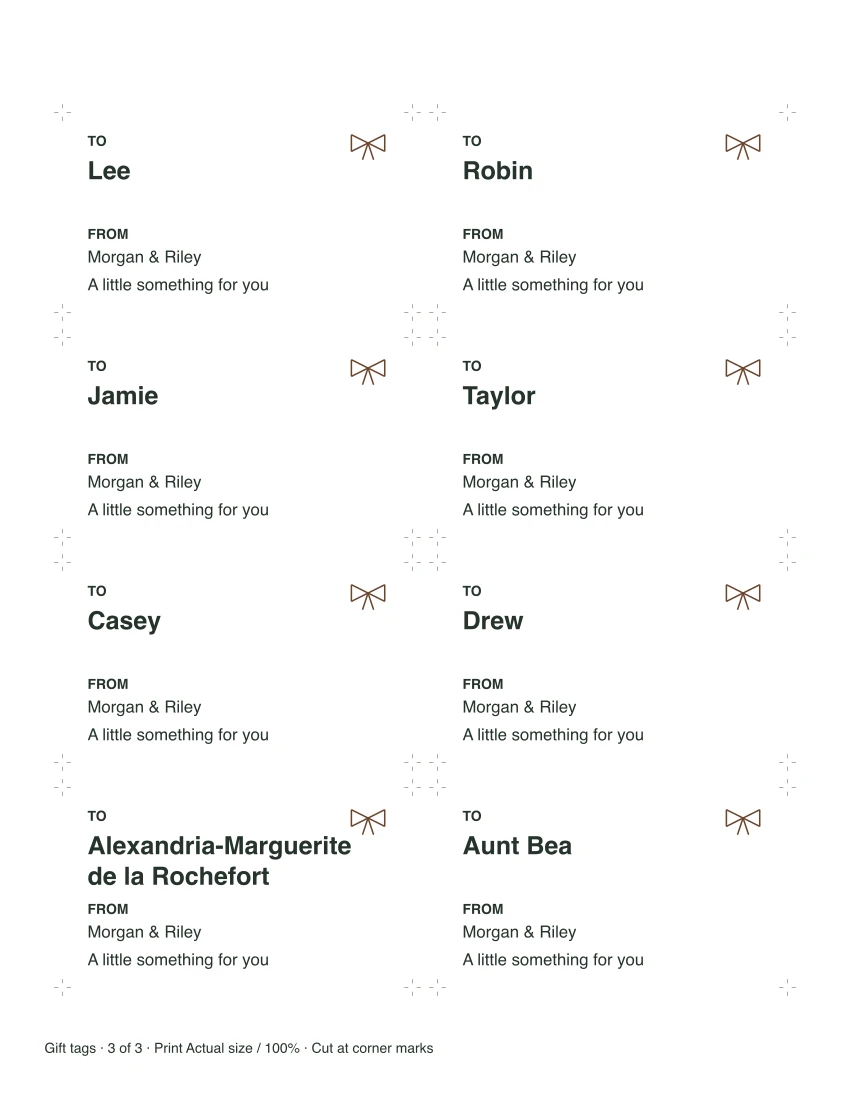
For example, “Alexandria-Marguerite de la Rochefort” wraps across two lines in the batch sample below. A longer message such as a personal letter belongs inside the gift; a short “A little something for you” fits beneath the sender. No text shrinks to squeeze into the tag.
Which characters can I print?
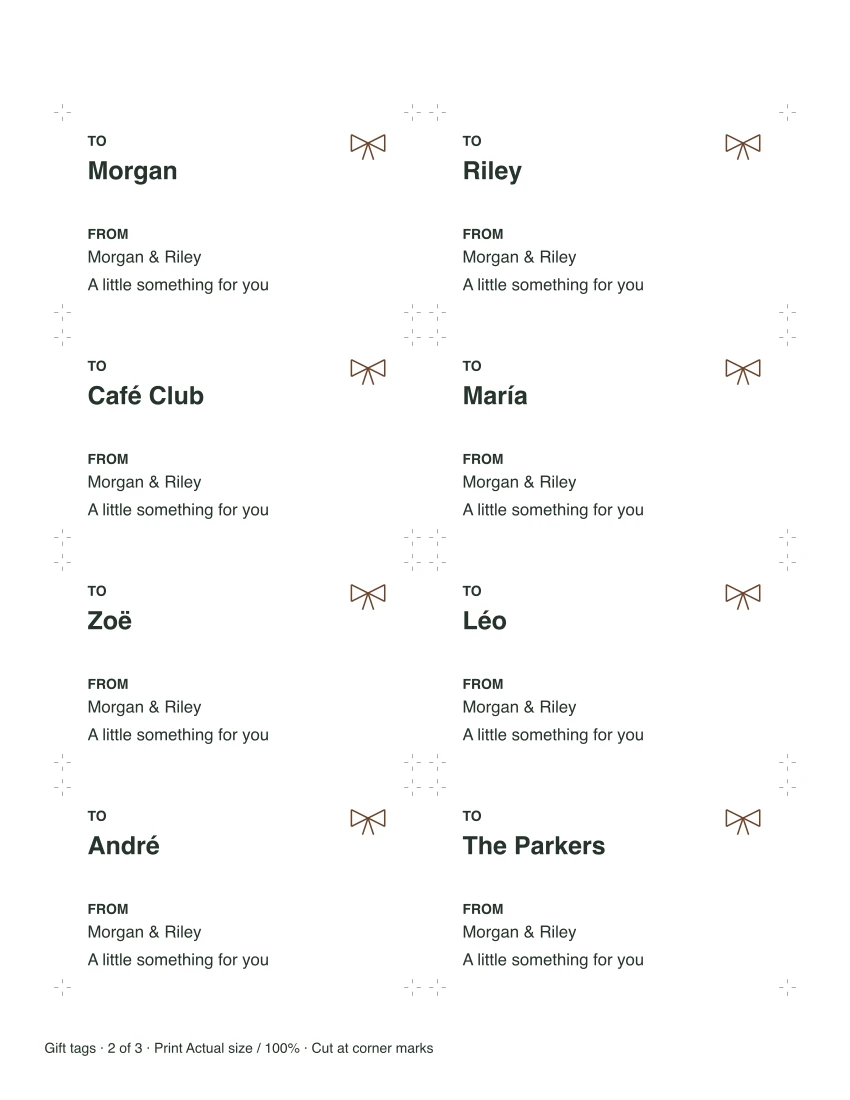
Latin letters, common Western accents and ordinary punctuation are supported. Names such as Noémie, María and Zoë appear in the samples. If a character cannot be printed, you’ll see a correction message before download. Replace tabs or line breaks in the sender and message with spaces.
See the actual sample sheets
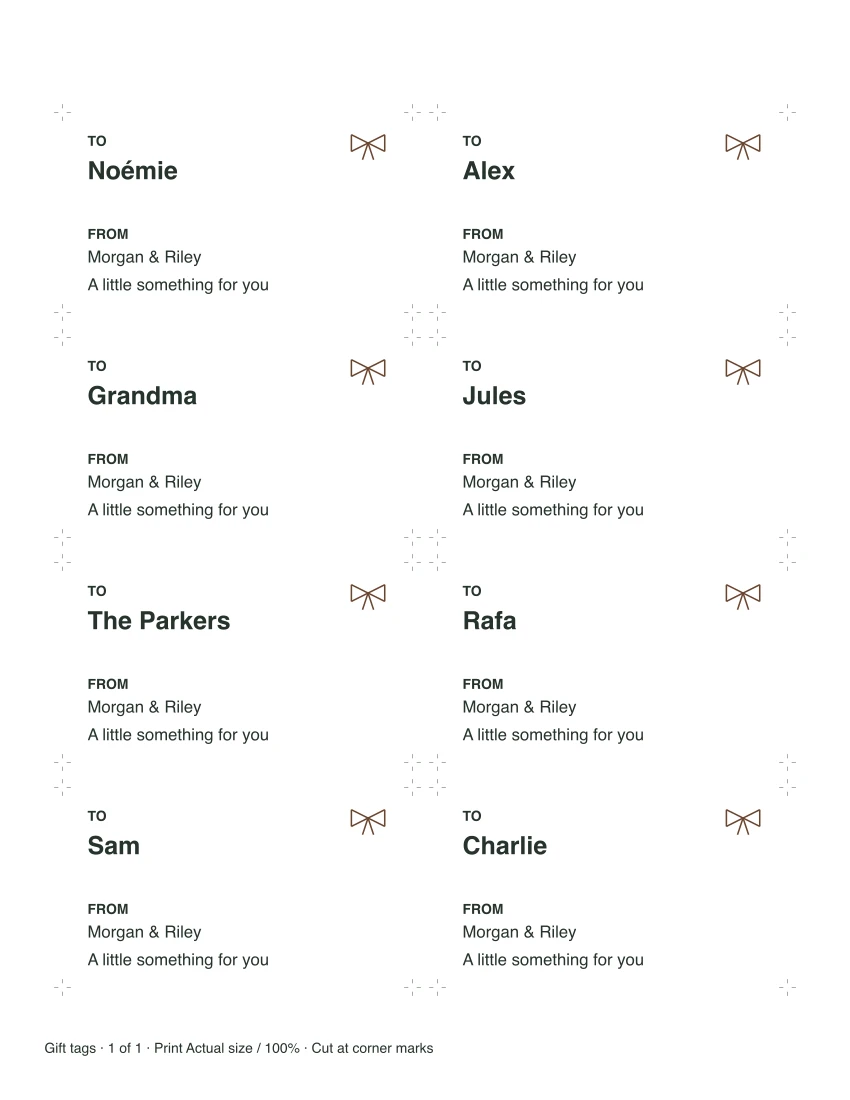
The eight-name example matches the editor’s starting text. The 24-name batch includes accents, a repeated Alex and a long name; it fills exactly three sheets. These are fictional layout examples. Enter your own names above for your gifts.
Eight-name example
24-name batch example
See the other two batch sheets
Print and cut on ordinary paper
Each tag measures 3.5 inches wide by 2 inches tall (88.9 × 50.8 mm). Letter and A4 use the same tag dimensions and text sizes. Choose the matching paper in both the editor and your print dialog, print single-sided, and select Actual size or 100%. “Fit to page” changes the dimensions.
Cut at the small corner marks outside each tag. There are no folds or hole-punch guides, and the layout is not aligned to pre-cut label stock. The tags use dark text on white paper with a small ribbon motif; grayscale printing keeps the names clear.
Start with one sheet and measure a cut tag before printing a batch. Digital checks confirm the PDF dimensions, but printer margins and scaling can change the paper result.
Can I return to my list or edit the downloaded PDF?
Your names stay in the fields while this page remains open. Downloading does not clear them, but reloading returns to the example. Keep the list in your own notes if you’ll use it again. The PDF is ready for printing and is not an editable form; change the fields here and download another copy.
If you’re still deciding what to buy, the Christmas gift list handles shopping and budgets. For another measured print-and-cut project, the recipe card maker turns your recipe text into cards for a box.
Keep the maker for your next batch
Published October 18, 2026.