Free team tool
Team roster template you can actually update
Paste names or bring a CSV. Add jersey numbers and roles if you have them, then download a clean sideline PDF and a CSV you can edit later. No account or upload.
Build your roster
Your team name and player details stay in this browser. The PDF shows the team name; the CSV has names, optional jersey numbers and roles. Do not add contact or health details.
Use Name, Number, Role columns. A plain one-name-per-line list works too. Other columns are rejected before import.
Start from a list above, add one player, or load the fictional example.
Preview the real print layout
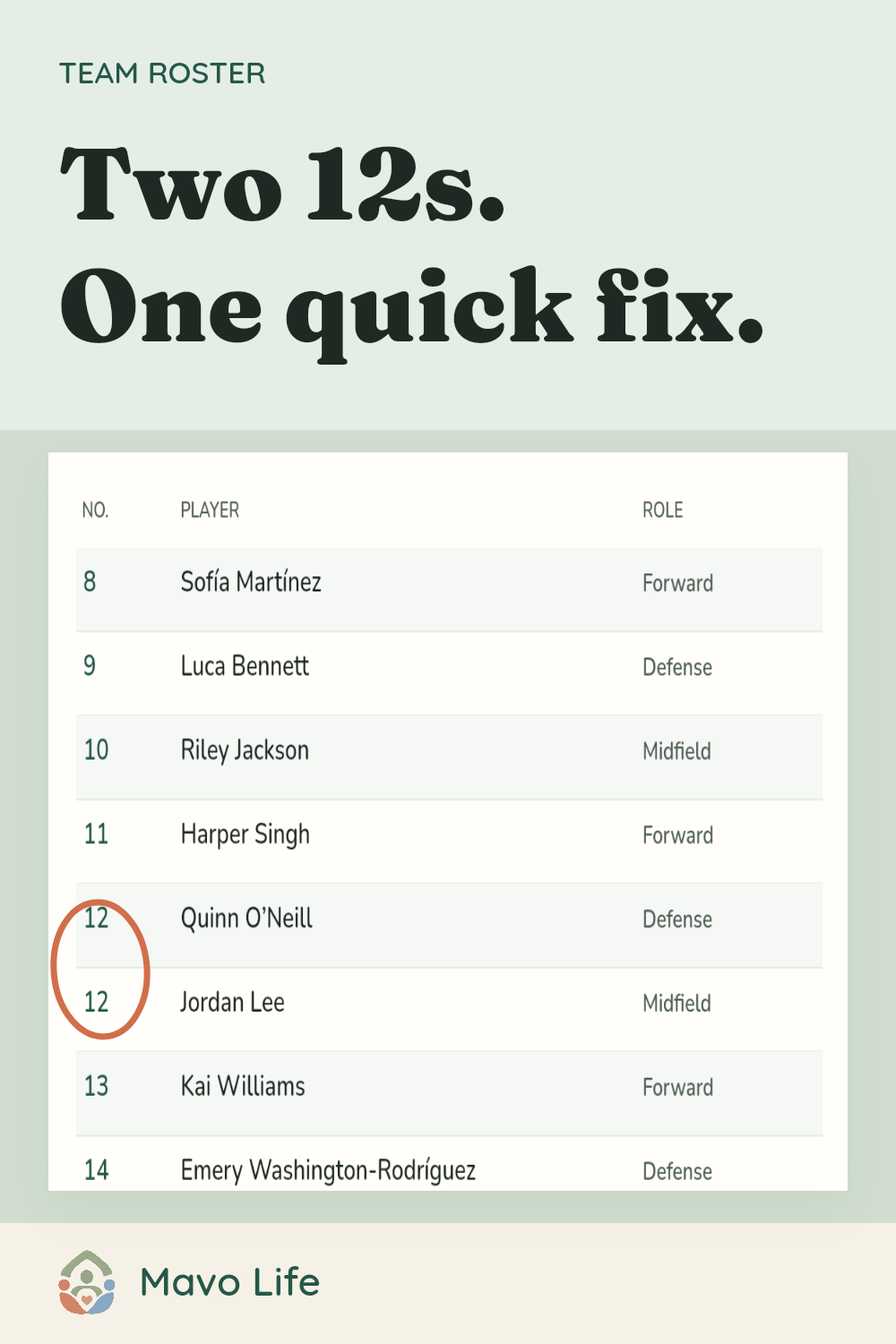
The preview starts with 24 fictional players, including long names, a blank number and two number 12s. Player order stays as entered; each page holds up to 16 names.
Take it to the sideline
The PDF prints the current roster. Keep the CSV to make changes later, then import it here and print an updated copy. Repeated numbers are flagged but every player stays on the sheet.
Add players or load the fictional example to enable downloads.
What belongs on this sheet?
A sideline roster needs names, jersey numbers when assigned, and a short role or position if that helps the person reading it. It is a quick reference, not a registration form or a place for contact details. The CSV preserves the order and leading zeros you entered; if two players share a number, review the warning before printing.
If you’re organizing snacks, messages, or season duties, use the team volunteer guide instead. Keep those assignments separate from the player reference.

This maker works on its own without signing in. For the separate work of keeping shared family plans current, see Mavo’s family calendar.