Choose the number of teams or a size limit
If your game needs four teams, choose Number of teams and enter 4. The tool keeps the sizes within one person of each other. For 17 names, that means 5, 4, 4 and 4. After the names are shuffled, Team 1 receives the extra person. Team numbers don’t indicate rank or ability.
If a table seats no more than six, choose Maximum people per team and enter 6. Seventeen names make three groups of 6, 6 and 5. A maximum is a ceiling, so the tool spreads people across the fewest groups needed and keeps those groups close in size. With 13 people and a maximum of six, the sizes are 5, 4 and 4, rather than 6, 6 and 1.
One team is allowed, as is one person per team. Asking for more teams than people produces a correction message instead of empty teams. Check the size preview before you draw.
Keep two people with the same name
Put each participant on a separate line. Blank lines don’t count; spaces at either end of a name are removed. Repeated names, including names that differ only in capitalization, are flagged for you to review. Nothing is automatically merged or removed.
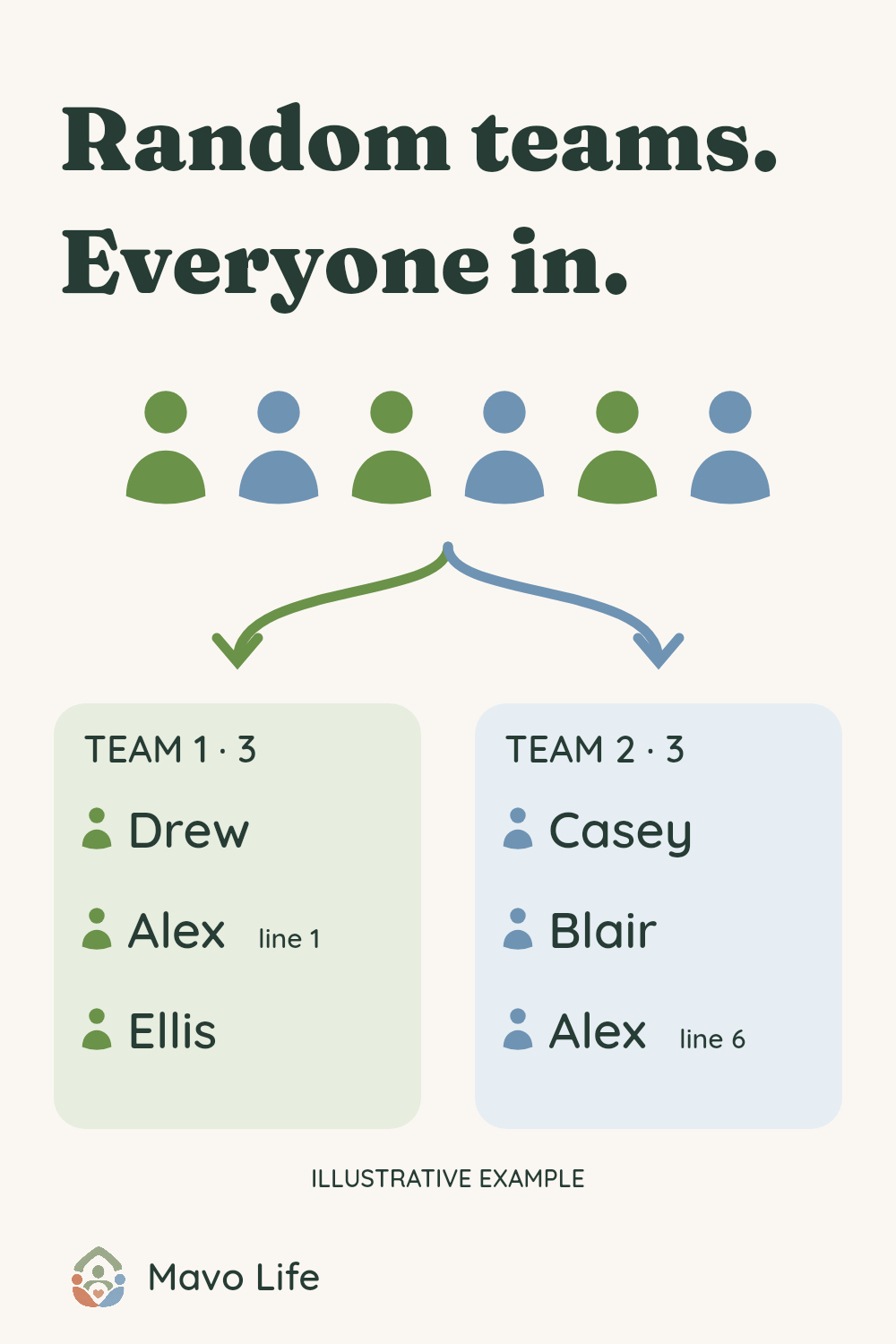
If both Alex entries belong, keep both and check the acknowledgement. The result labels them “Alex (line 1)” and “Alex (line 17)” in the fictional example. Those line numbers refer to the original list, including blank lines. Adding a last initial before drawing usually makes the grouping easier to read aloud. If a repeat came from pasting twice, remove that line yourself.
Draw once, then keep the result
Each draw shuffles the whole list and divides it into the sizes shown. The tool uses the browser’s random-number source and stops with an explanation if that source is unavailable; it does not silently switch methods. The sizes are balanced by head count only. The tool doesn’t know anyone’s skills, experience or preferences, and it cannot guarantee equal ability or a different grouping every time.
Changing names or settings leaves the previous draw visible with a warning. Choose Draw again… and confirm to replace it. Canceling keeps the current draw. There are no rules for keeping particular people together or apart; if your game needs those constraints, arrange the groups yourself.
Copy teams includes each heading, head count and participant. If your browser blocks automatic copying, a selectable text version appears. Print teams opens your browser’s print dialog for the grouping shown. Review its preview, use Letter or A4 paper, and disable browser headers and footers if you don’t want the address and date. Long names and larger groups may use several pages. The editor and explanatory article are excluded from printing.
Names and draws are not saved for your next visit. Copy or print before closing or refreshing this page. This is a one-time grouping tool, not a way to send invitations or store an established team.
Already know who belongs on the team?
The Team Roster Maker lists an established team with names, jersey numbers and roles. Use it when the membership is settled and you need a reference sheet. Browse all free tools for other family-game and planning resources.
Published November 11, 2026.