Choose the look before you print
Grove uses a soft green field and a small leaf sprig. Color blocks has a dark left stripe with clay and blue accents. Quiet type keeps the cover black and white. All three give the title the largest type, with room for an optional subtitle and name.
The same title appears on the front and the spine. Your name and subtitle stay on the front, so the narrow strip remains easy to read. The cover wraps titles onto up to four lines at 40-point type; the spine uses 16-point type. If a field won’t fit, the editor asks you to shorten it before downloading.
Try the ready-made samples
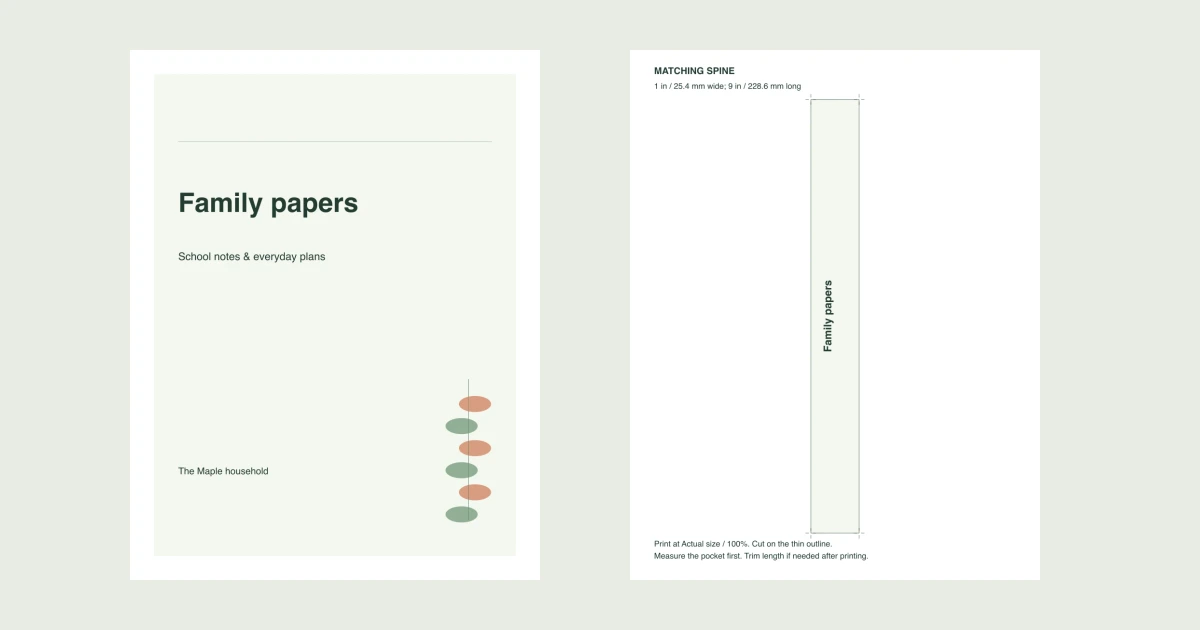
These samples use “Family papers,” “The Maple household” and “School notes & everyday plans.” Each PDF contains a full-page cover and a separate 1-inch-wide spine sheet. Use them to inspect the layouts, or replace the sample text in the maker above.
Grove sample
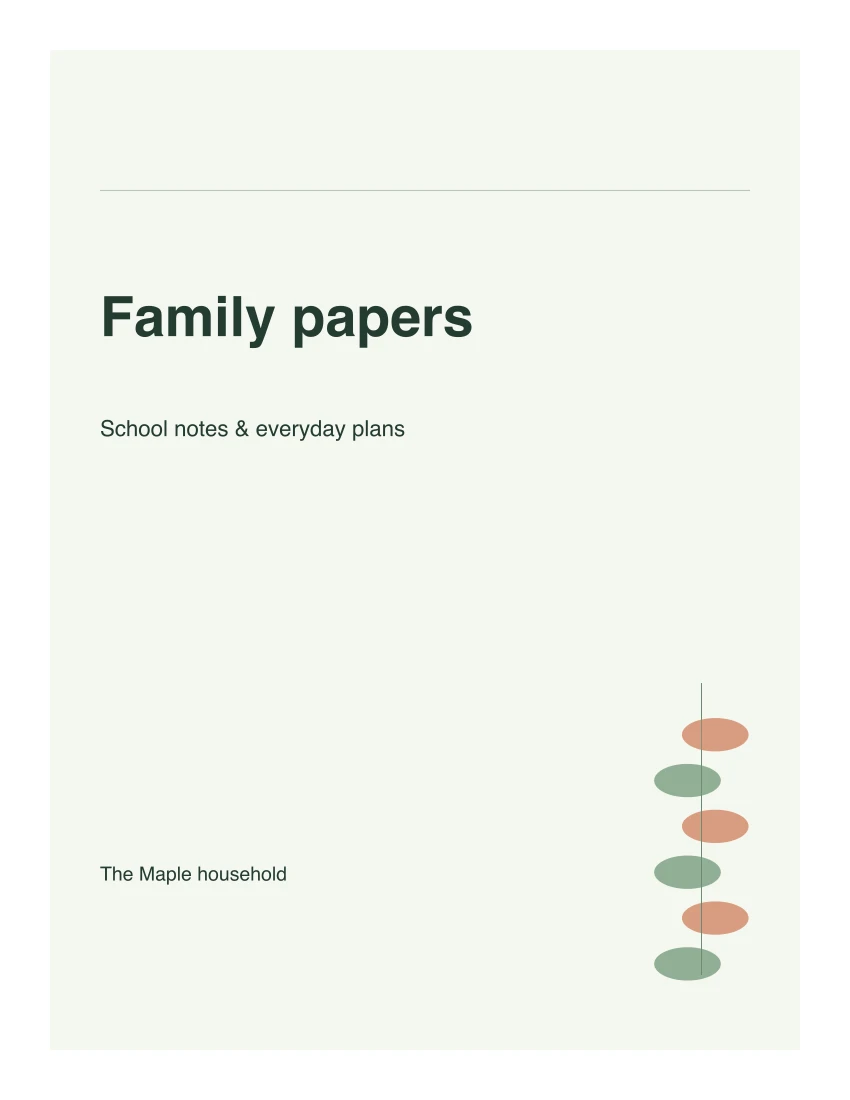
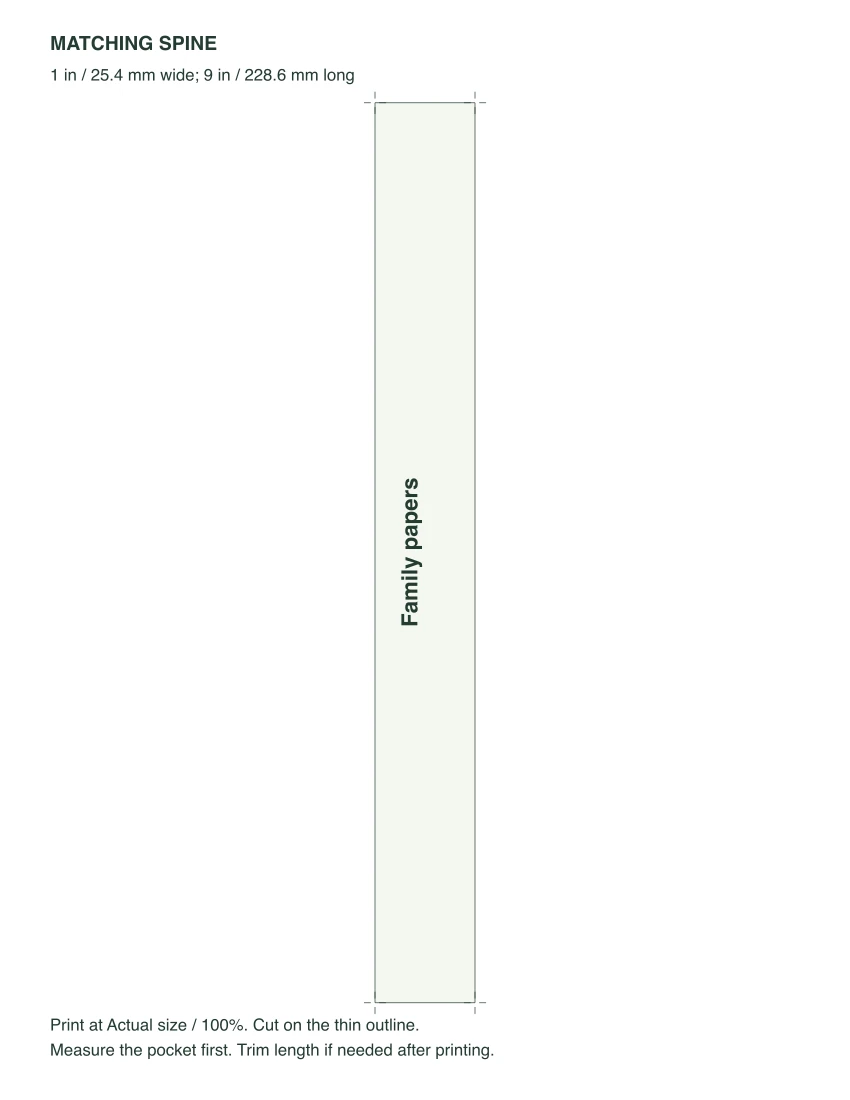
The two actual US Letter pages. A4 keeps the same content and spine dimensions on A4 paper.
Color blocks sample
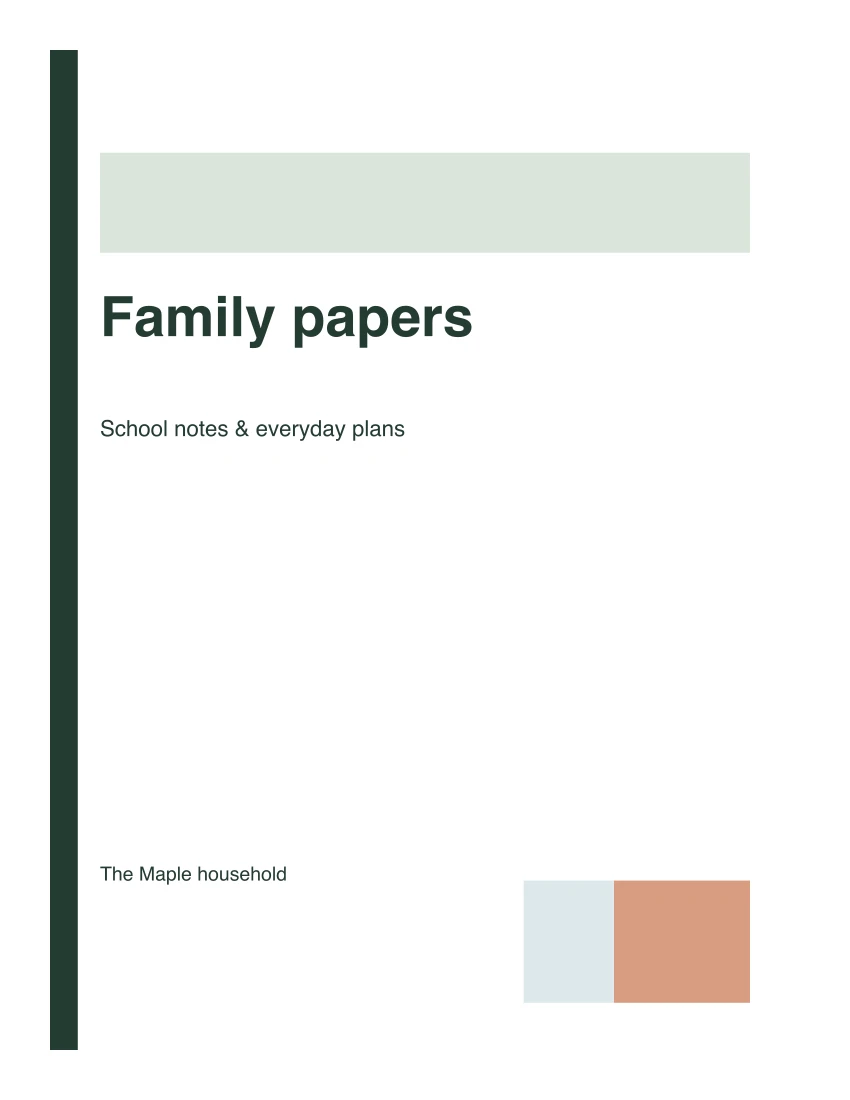
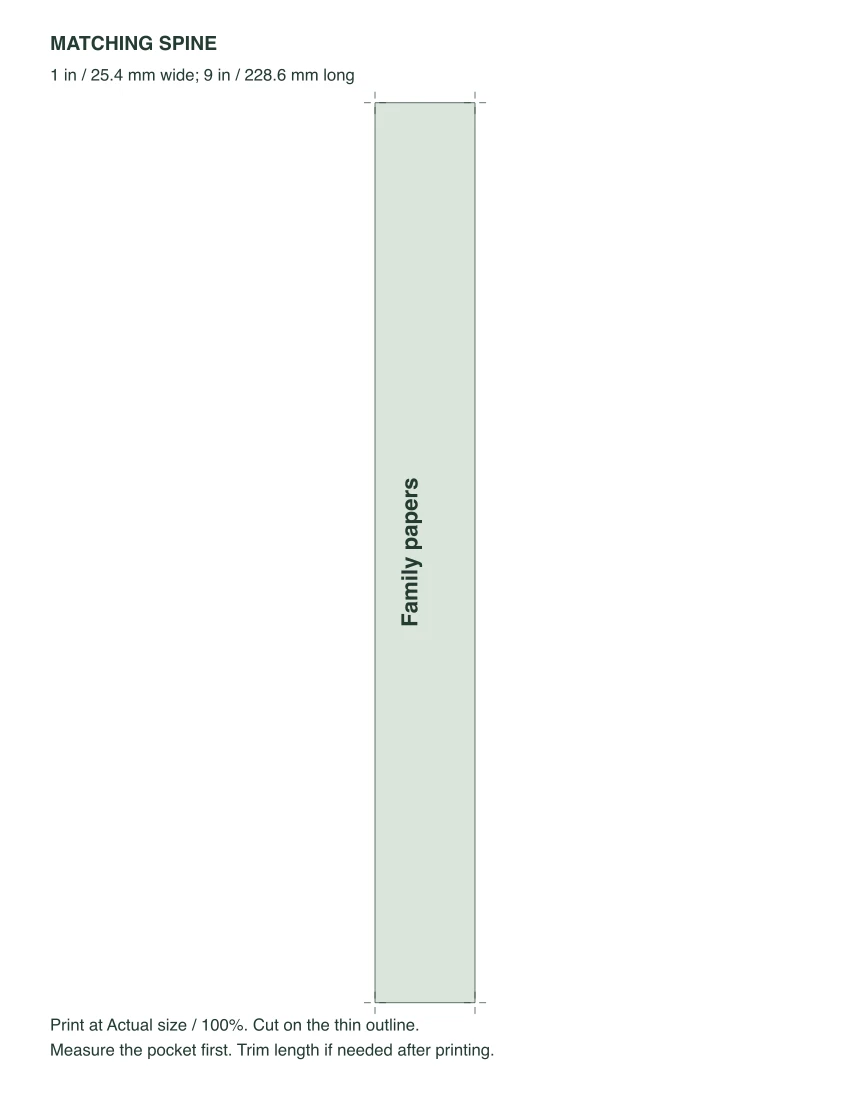
The two actual US Letter pages. A4 keeps the same content and spine dimensions on A4 paper.
Quiet type sample
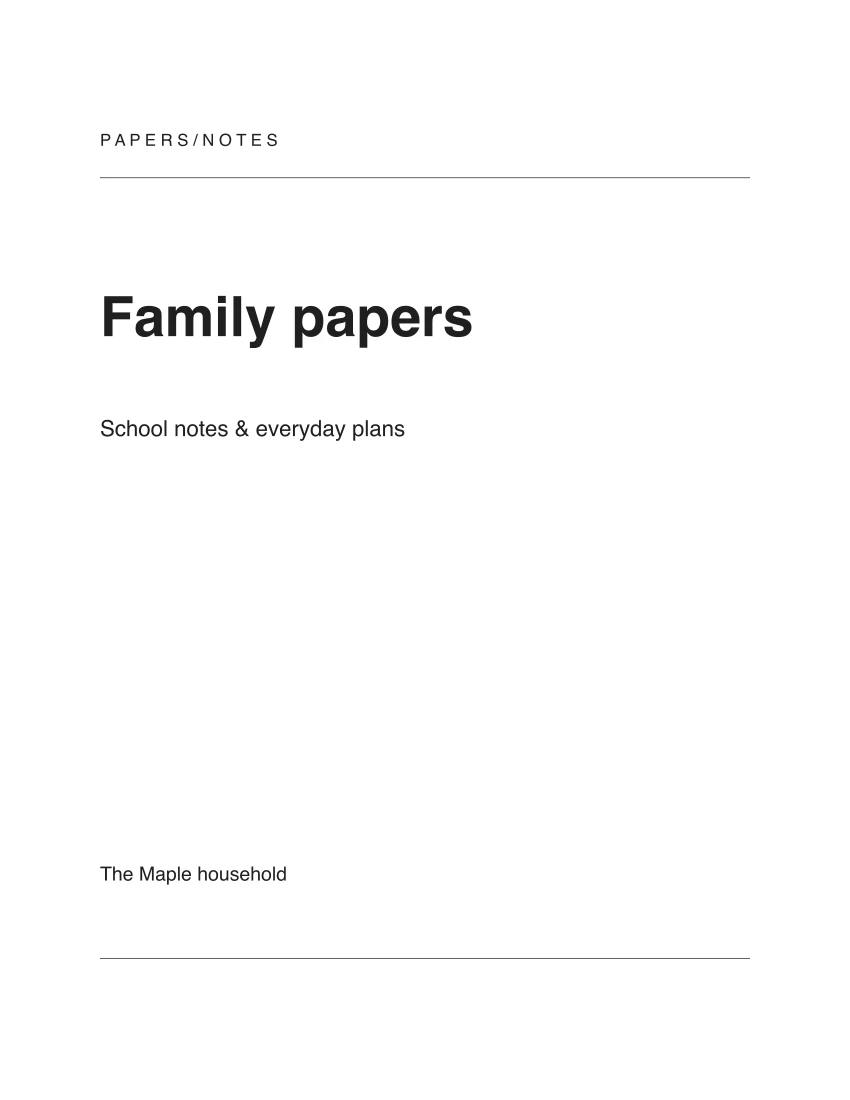
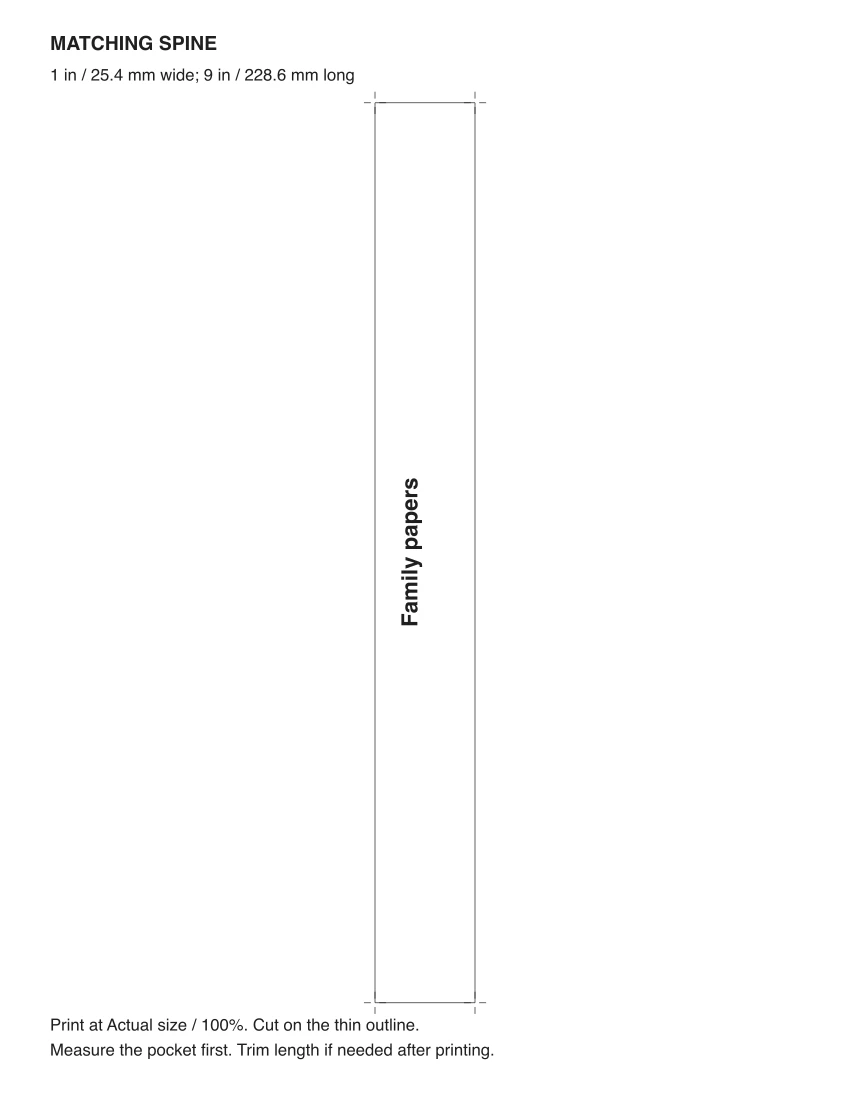
The two actual US Letter pages. A4 keeps the same content and spine dimensions on A4 paper.
Measure the pocket, then cut the strip
Use a ruler to measure the clear spine pocket’s usable width, where the paper slides in. Enter that measurement in inches or millimeters. A binder labeled “1 inch” describes its ring capacity; it does not tell you the width of that pocket. Switching units converts the number already entered.
The maker accepts widths from 0.5 to 3 inches, or 12.7 to 76.2 mm. Every strip is 9 inches (228.6 mm) long. Check the pocket’s length too; if it is shorter, leave enough room for the title and trim the blank ends after printing. A cover is a full Letter or A4 sheet, with artwork inset by half an inch. Check that your front pocket accepts that paper size.
Print single-sided on the selected paper at Actual size or 100%. Turn off “Fit to page,” which changes the strip’s width. Cut along the thin rectangle on page 2; the short marks outside it help locate the corners. Measure the printed strip before sliding it in. Printer scaling and the binder’s seams can affect the final fit.
Quiet type needs only black ink. The other designs also use dark text on pale backgrounds and can be printed in grayscale. The PDF is the printing file; the screen previews are scaled images.
Titles for binders you use
For school papers, put a subject or school year in the title and use the name line for the person it belongs to. For recipes, a short title such as “Family recipes” reads clearly on the shelf; the subtitle can describe the collection. A household binder can use “Home notes” with a subtitle naming what’s inside.
A long title may fit the front but need two lines on the spine. At a narrow width, that extra line might not fit. Shorten the title, move extra detail to the subtitle, or check whether the pocket is actually wider. The maker never silently cuts words or reduces the spine below 16-point type.
Can I print a different language or add a logo?
The PDF font supports Latin letters, common Western accents and punctuation. Unsupported characters produce a visible correction message. Images and logos cannot be added. You can paste text into the three fields, but each entered field must be a single line; the cover handles wrapping.
Can I return and change the cover later?
Keep the page open to continue editing. A reload starts with the sample text. Download the finished PDF before leaving. To revise it later, enter the text in the maker again; the downloaded PDF does not contain editable form fields.
Save the maker for your next binder
Put the pages behind your new cover
For a recipe collection, use the recipe binder pages. For a move, the moving binder has a box index and room lists. You can also keep the sports word searches in a family activity binder.
Published October 13, 2026.