A coupon book template with your own words
Start with what you would enjoy giving. An offer can be as simple as “A picnic packed by me,” with “You choose the spot” in its short note. A walk together or a favorite breakfast can work too. Replace the fictional examples with offers that suit you and the person receiving the book; the maker does not choose gifts for you.
Each offer becomes one strip. Use Move up or Move down to choose the order, and remove anything you no longer want to include. The cover comes first, followed by your coupons in the order shown in the editor. If you remove the wrong one, Undo removal brings back the last removed coupon.
The cover title is editable. A name, occasion, or short message can make it personal without adding another field to every coupon. There are no printed dates, expiry terms or redemption rules. The note is optional, so leave it empty when the offer says enough.
Inspect a finished book or print a blank one
These fictional examples use the same layout as the maker. Each PDF contains one matching cover and six coupons on two sheets. The typed example contains six ordinary offers, including a picnic and a homemade breakfast; the blank version has writing lines instead. Download either version directly without editing the maker.
Six fictional offers
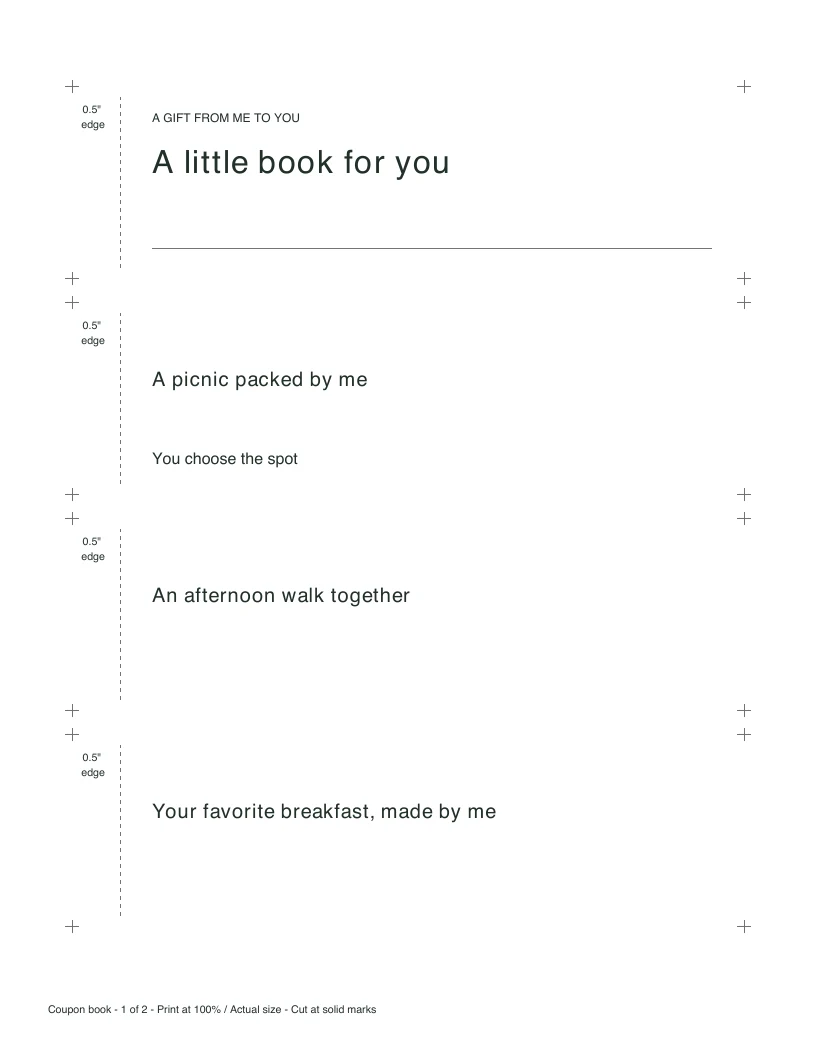
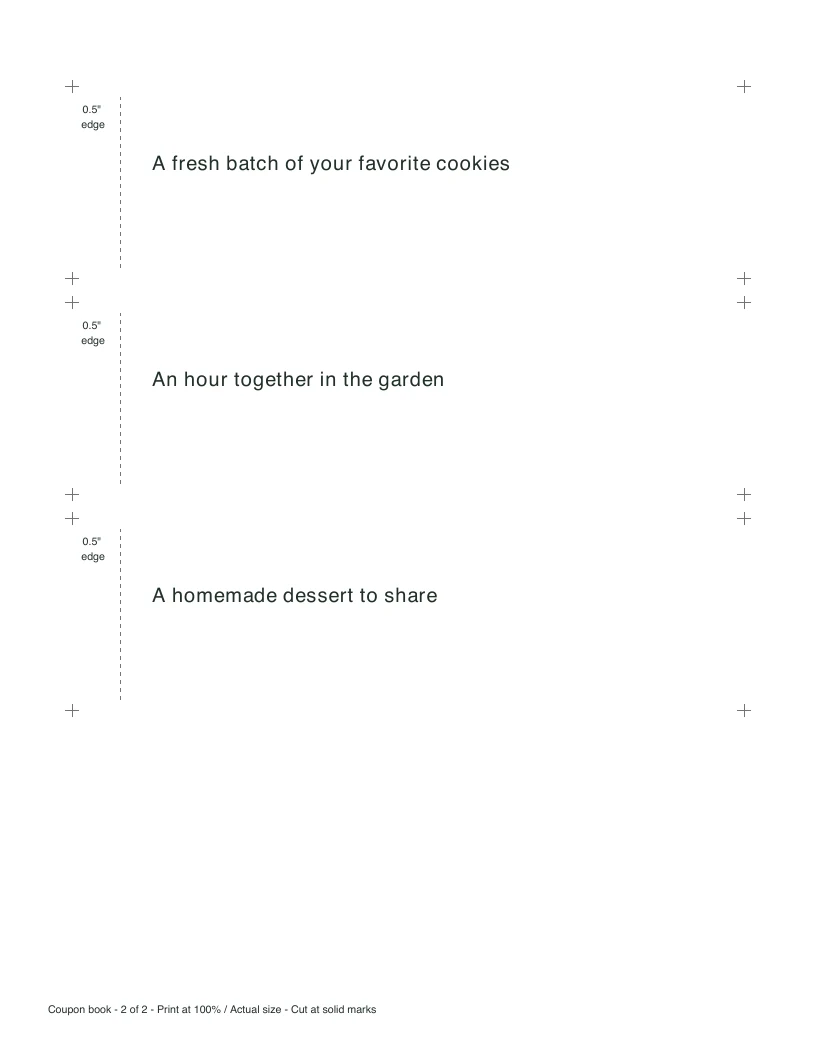
Inspect both A4 sheets
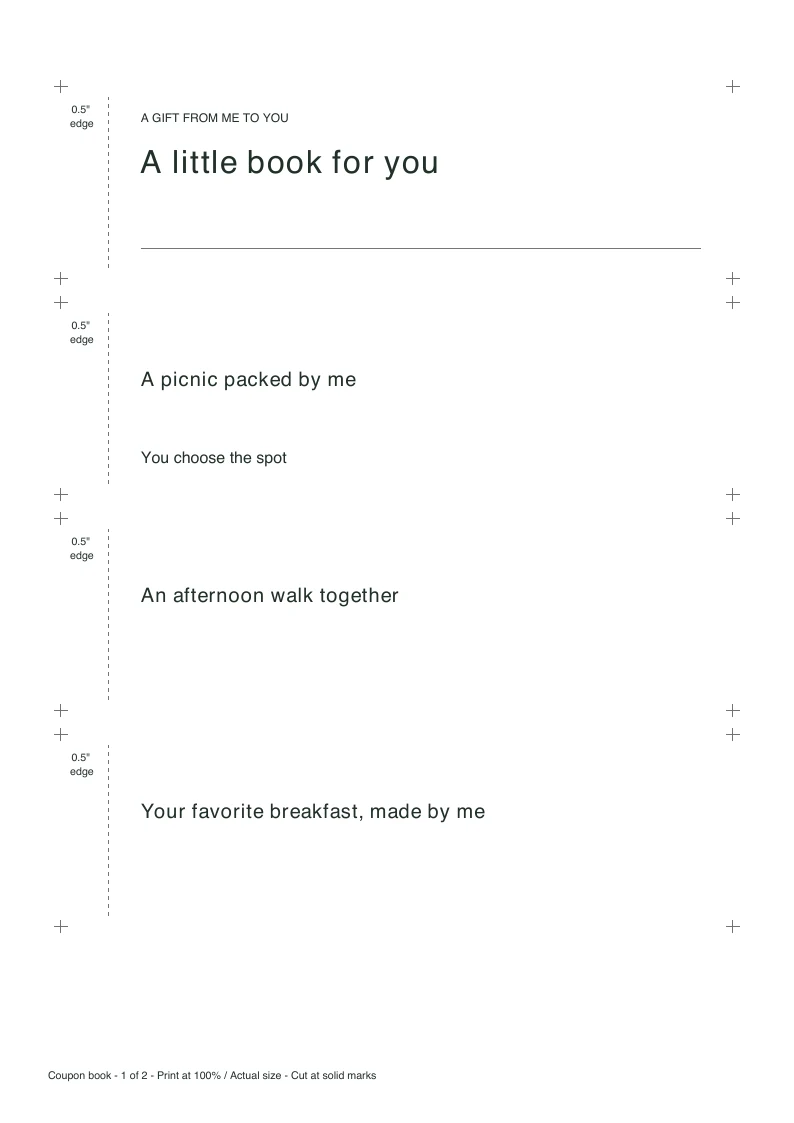
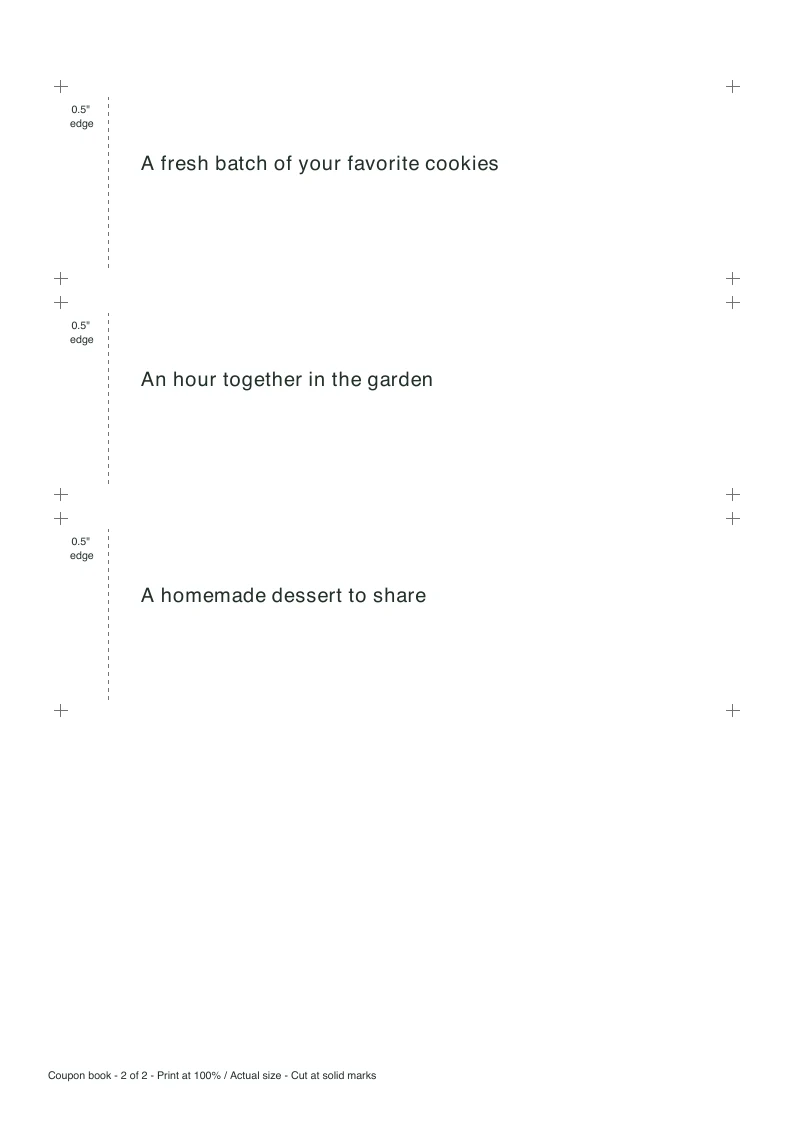
Blank coupons for your own wording
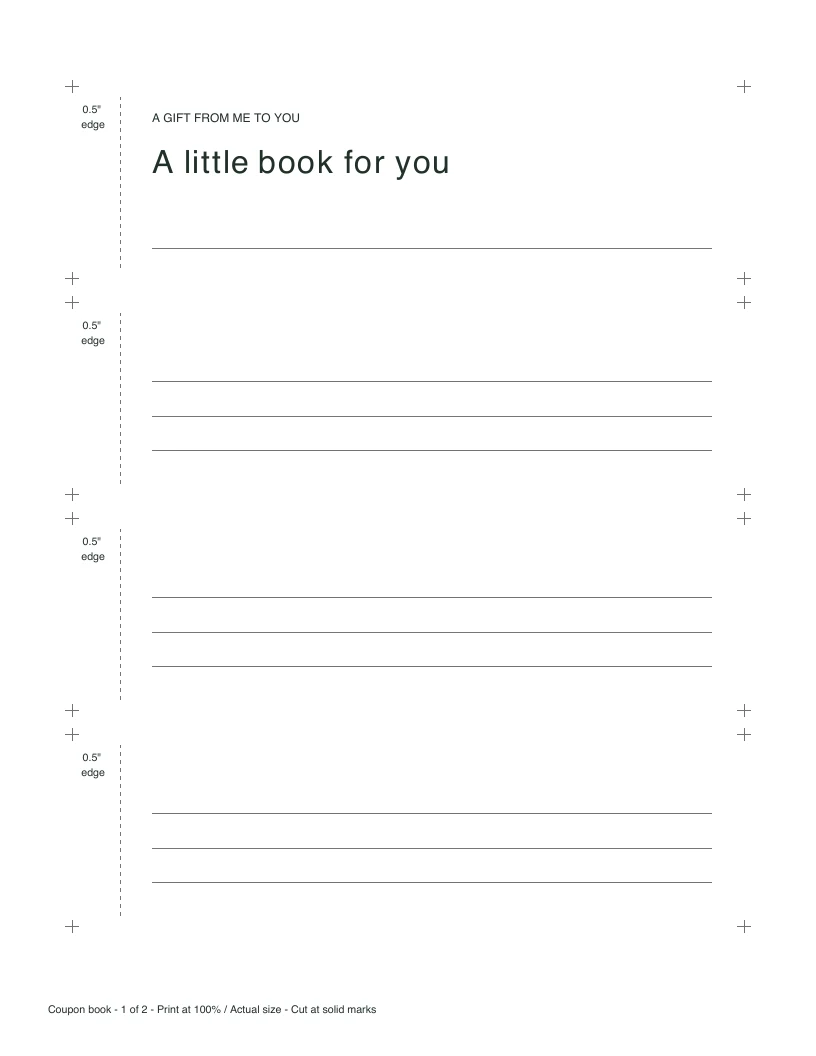
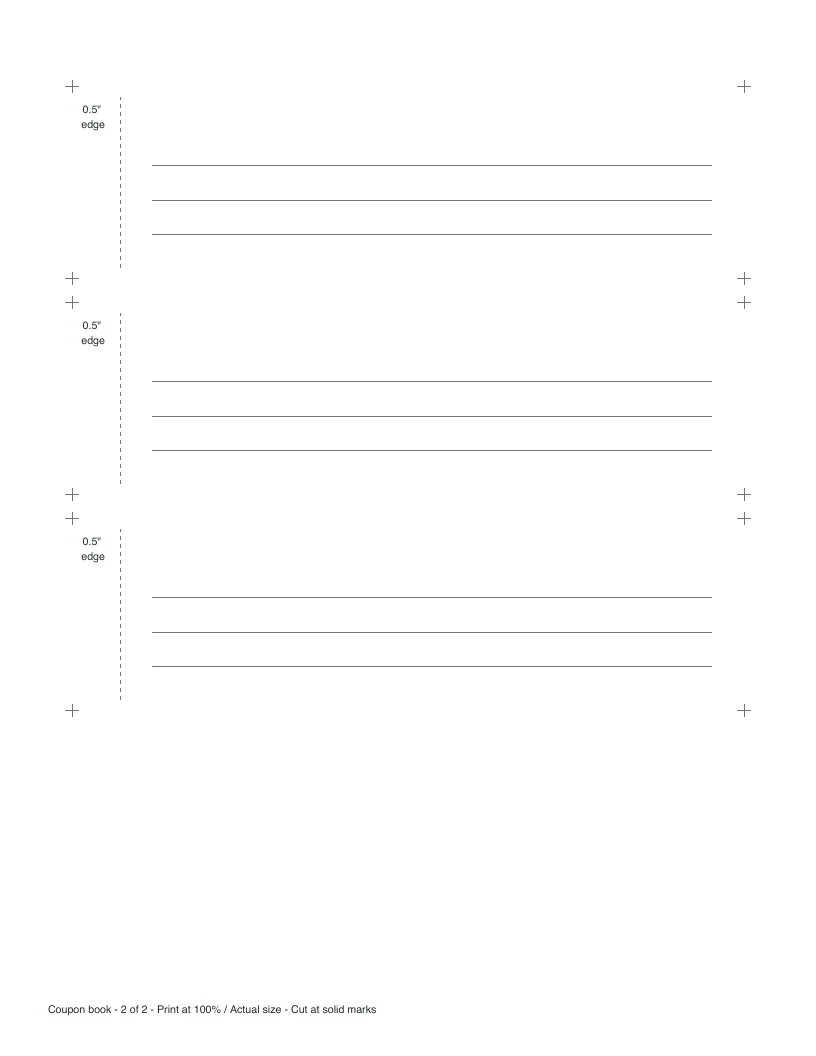
Inspect both A4 sheets
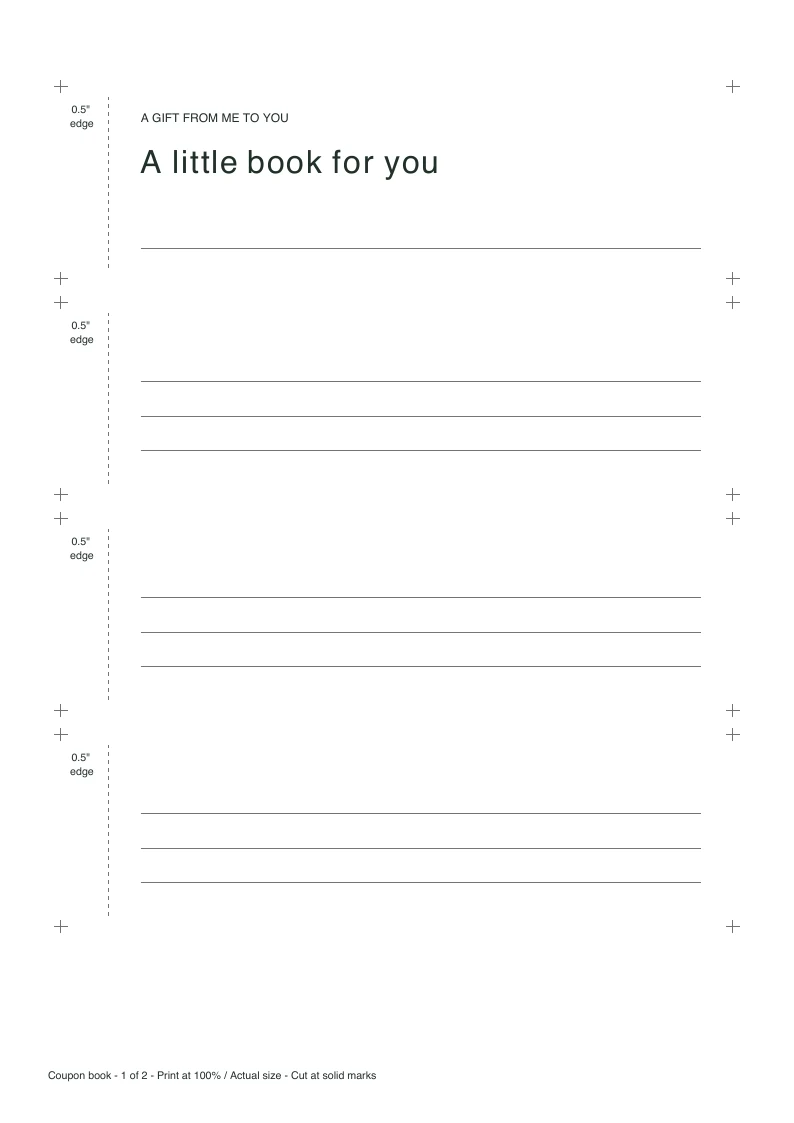
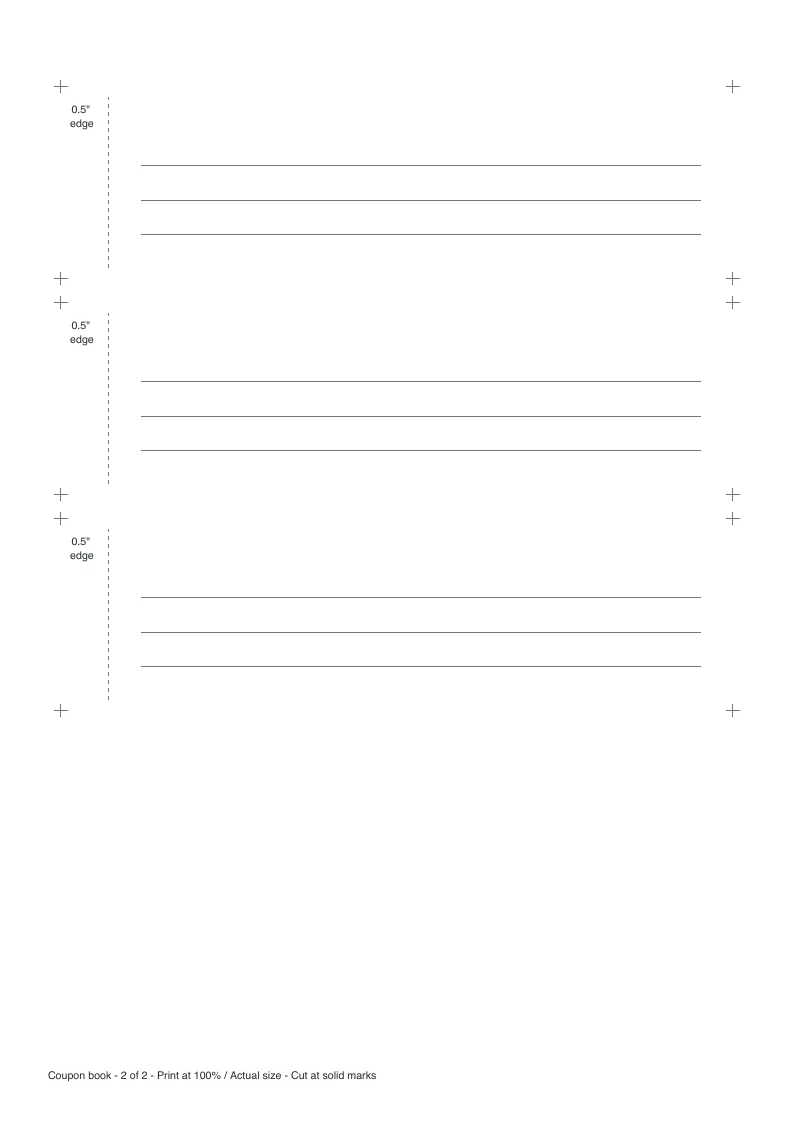
Check the words before you print
Offer text prints at 15 points and wraps across up to three lines. Short notes print on one line at 12 points. The cover title uses up to two lines at 24 points. If something will not fit, the preview tells you which offer, note or title needs shortening. It keeps your text for editing and stops the download until it fits; it never shrinks the type or silently drops a coupon.
Latin letters, common Western accents and ordinary punctuation are supported. Some other scripts and emoji cannot be printed with this PDF font. If the preview flags a character, replace it or choose blank coupons and add the wording by hand.
The example sheets are scaled on screen. Open the downloaded PDF and inspect one printed sheet at 100% before making the rest of the book. On a phone, use Jump to print previews to reach the sheets below the editor.
Cut and attach a small book
- Match the paper size in the maker to your printer: US Letter or A4. Download the PDF and print single-sided at Actual size / 100%. “Fit to page” changes the dimensions.
- Cut around the solid corner marks. Each finished cover and coupon measures 7 by 2 inches. The dashed vertical line marks the attachment allowance; keep that edge on every piece.
- Stack the cover over the coupons in the order you chose. Align their left edges, then use a clip or another attachment within the half-inch margin. The offer text begins beyond that area.
- Try the first copy before printing more. Check that the attachment lets the pages turn and the words stay readable.
Four pieces fit on a full sheet. A six-coupon book has seven pieces including its cover, so it uses two sheets. Only the requested pieces print; unused space on the last sheet stays empty. This layout is for ordinary full sheets, not pre-cut coupon stationery.
Prefer to write by hand?
Choose Blank coupons for handwriting, then set a number from 1 to 40. The maker keeps the matching cover and attachment edge, with three writing lines on each coupon. The typed offers remain available when you switch back. You can also make separate typed and blank books by downloading one, changing the setting, and downloading the other.
Can I come back and edit the book later?
Edits are saved in this browser when its storage is available. On your next visit, choose Restore saved book to continue or Use this example to start again. Browser storage can be cleared, and it does not carry the book to another device, so keep a separate copy of wording you want to keep. If saving fails, the page tells you and your current inputs stay available.
Can I change the PDF after downloading?
The PDF is a finished print layout, not a fillable form. Change an offer in this maker and download another copy. Both paper sizes use the same finished coupon dimensions, so pieces from separately printed copies can be stacked together when printed at 100%.
For a label that goes on a wrapped present, use the gift tag maker. For purchased presents and a shopping budget, use the separate Christmas gift list template.
Save the maker for another gift

Published November 8, 2026.