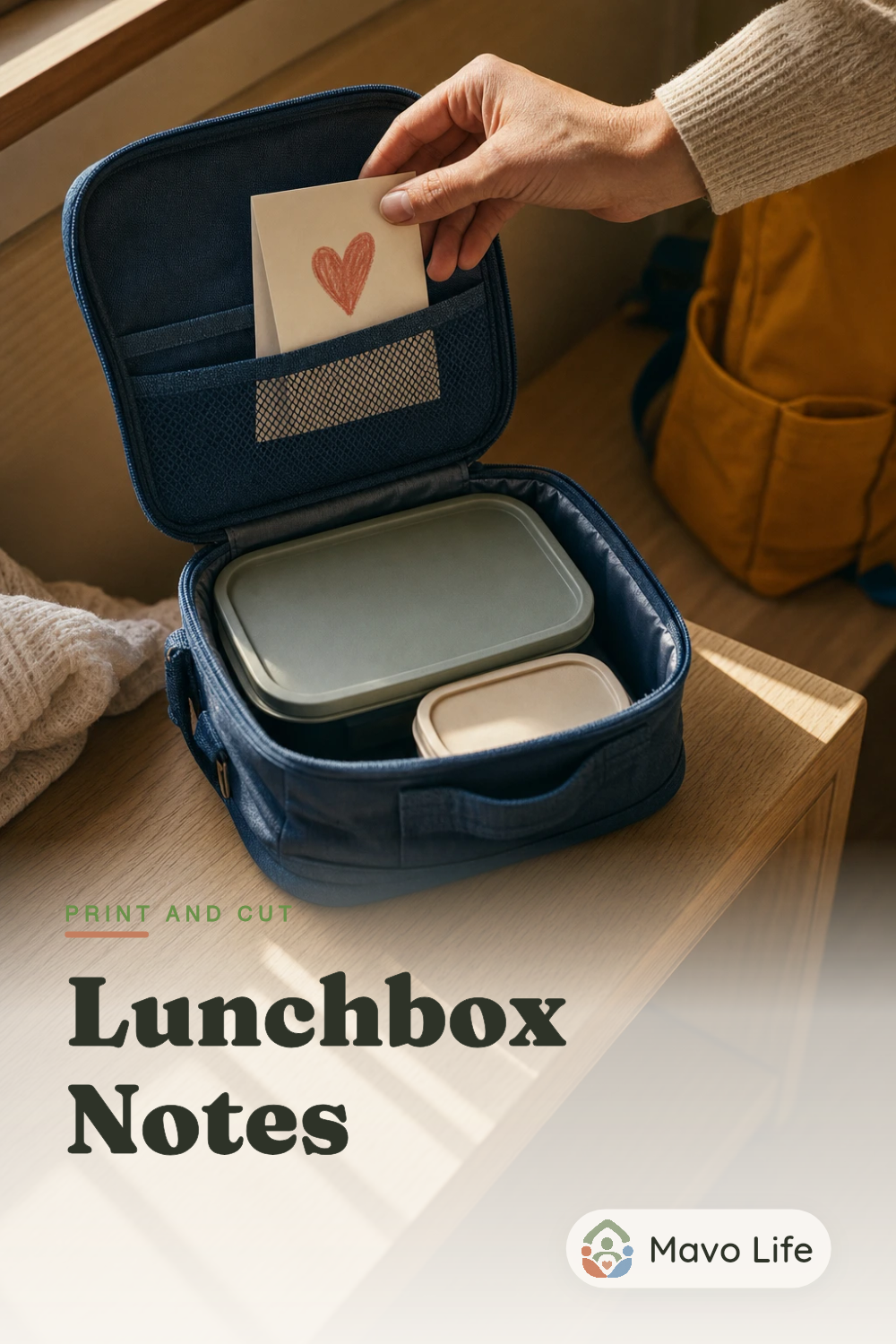
Free six-page PDF
Lunchbox notes printable
Choose from 60 short messages, from a little hello to an imaginary dinosaur delivery. This free printable also includes 12 blank cards for your own words or drawings. Print a favorite page, cut along the dotted lines, and add a name or signature by hand.
Download all 72 cards (PDF)US Letter · Print and write by hand · No email or account required
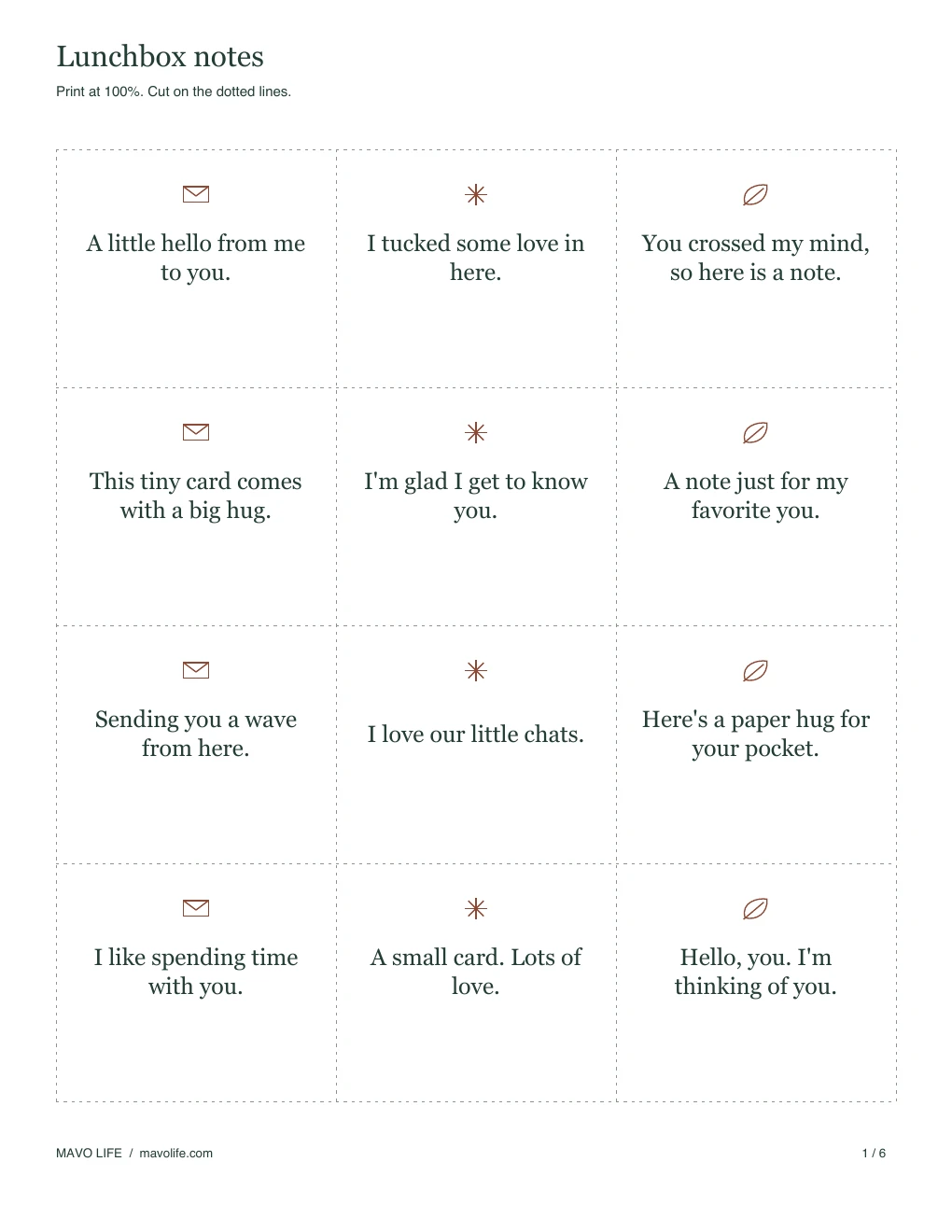
Preview all six pages
Each sheet has 12 cards in three columns and four rows. The first five pages contain the printed messages; page 6 leaves the interiors blank. Small illustrations and dark lettering sit on white paper, with no large colored backgrounds. Open any preview to read the whole sheet before choosing which pages to print.
1. Little hellos
Twelve short greetings and affectionate notes.
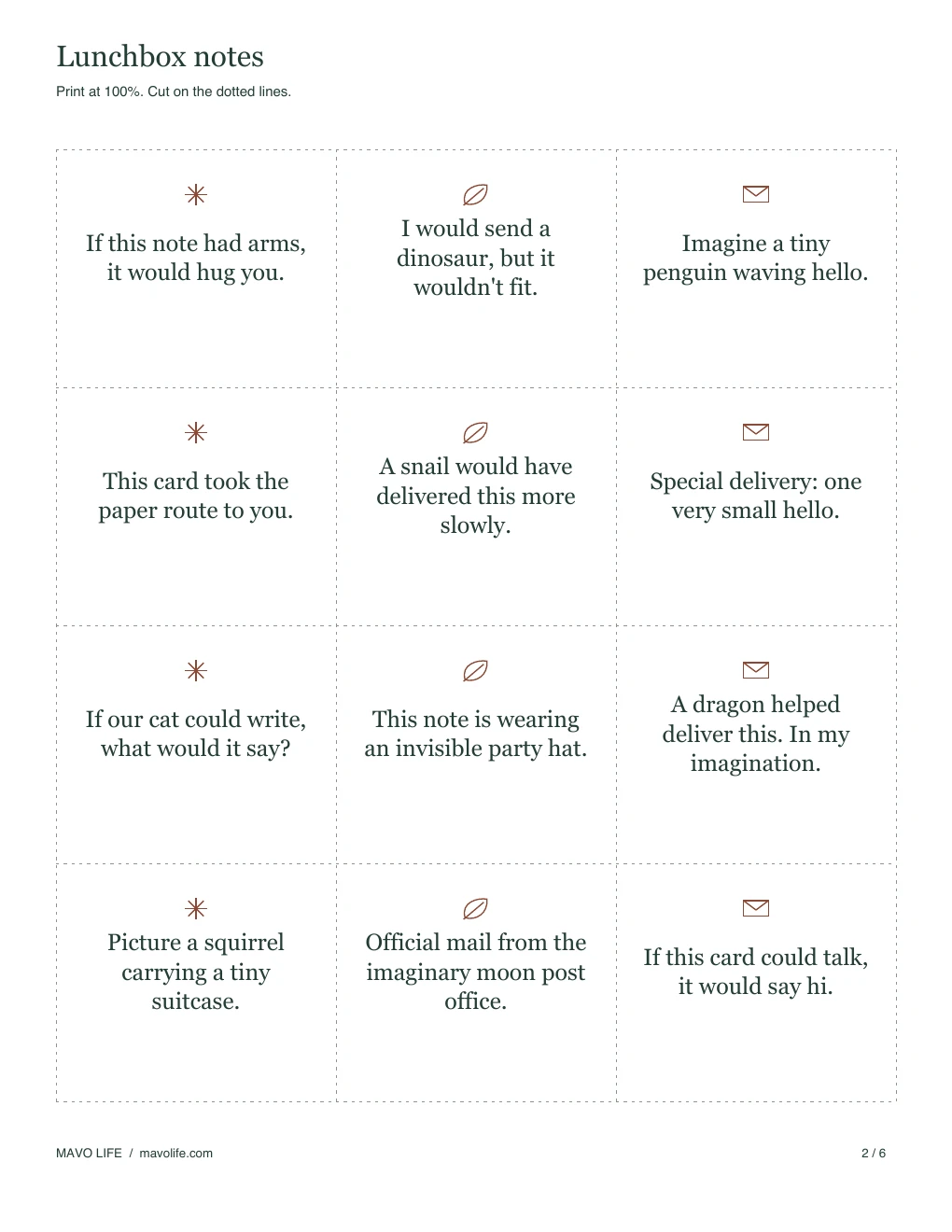
2. Imaginary deliveries
Playful messages about tiny mail, animals, and improbable couriers.
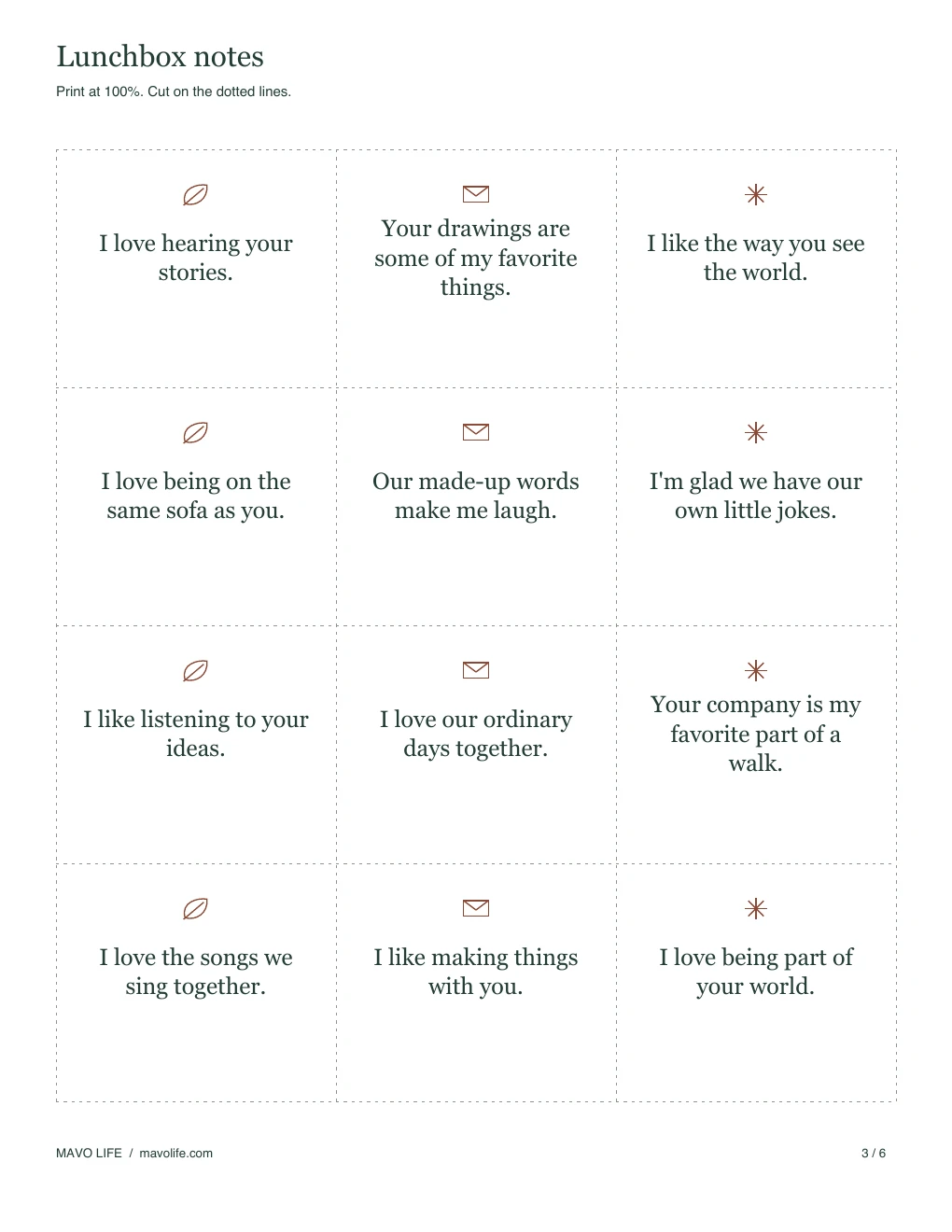
3. Time together
Notes about shared jokes, stories, and familiar company.
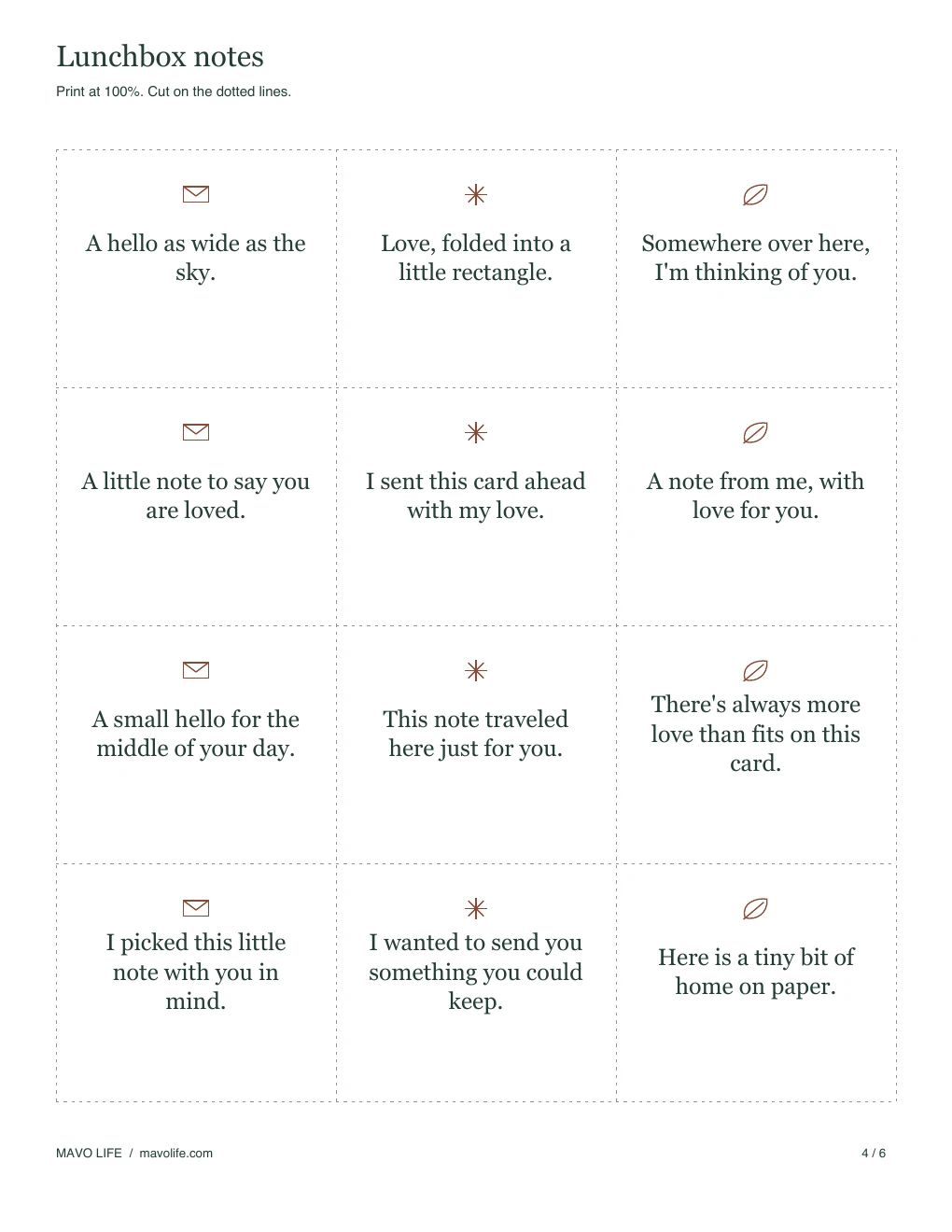
4. Love on paper
A few words to send along from home.
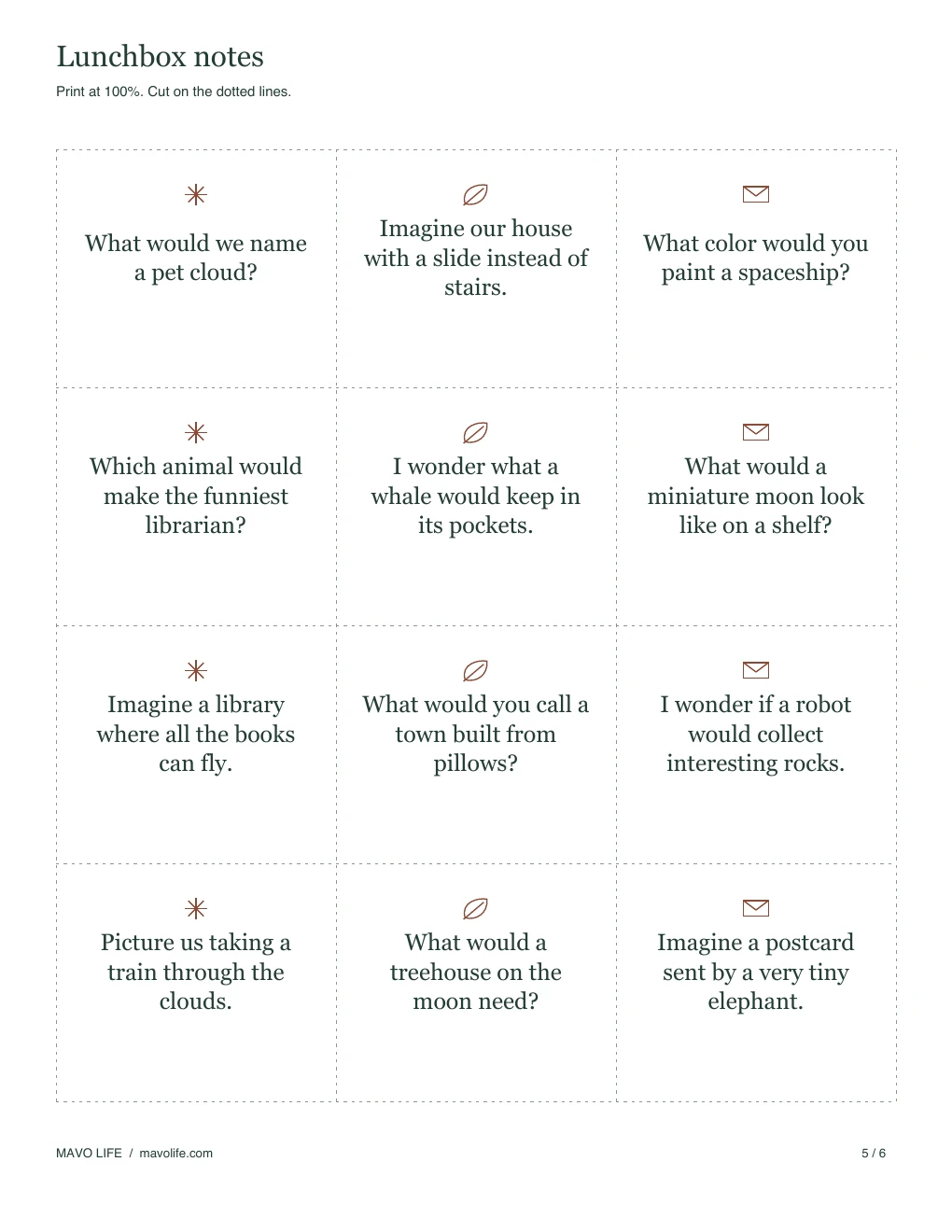
5. Something to imagine
Whimsical pictures and questions to put on a small card.
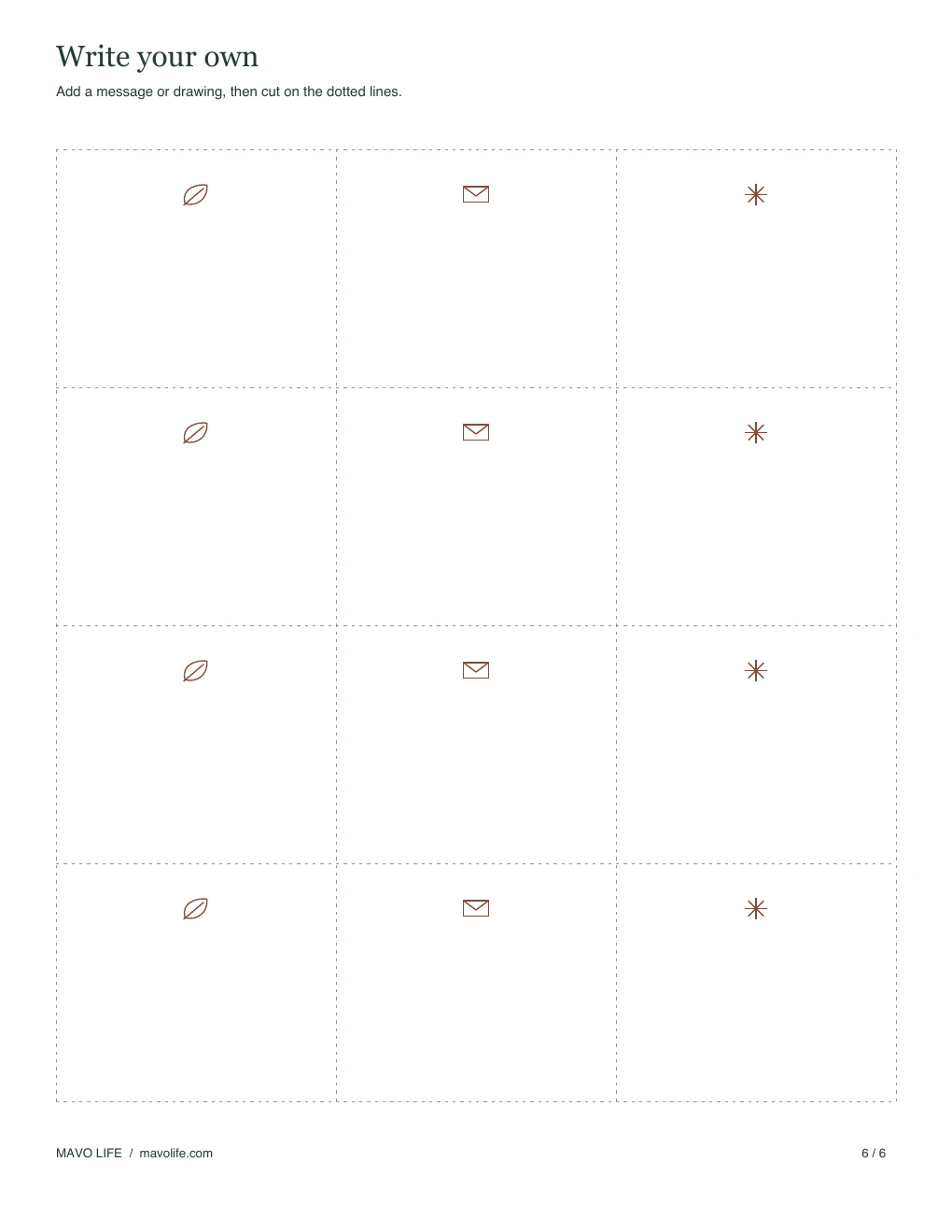
6. Your own words
Twelve blank cards with the same small illustrations and space to write or draw.
Choose a note that sounds like you
For a simple greeting, start with page 1. Page 2 has the sillier messages, including a snail delivery and an invisible party hat. Page 3 refers to time together, so choose the lines that match things you actually share. Page 4 sends a few words of affection; page 5 has imagined places and creatures.
These are actual messages from the download, with their page numbers:
Page 1 · Little hellos
- A little hello from me to you.
- I love our little chats.
Page 2 · Imaginary deliveries
- I would send a dinosaur, but it wouldn't fit.
- This note is wearing an invisible party hat.
Page 3 · Time together
- I love hearing your stories.
- I like making things with you.
Page 4 · Love on paper
- A small hello for the middle of your day.
- I picked this little note with you in mind.
Page 5 · Something to imagine
- What would we name a pet cloud?
- Picture us taking a train through the clouds.
You can use the same greeting again or keep a handful of favorites. There are no dates or weekdays on the cards, so they can be used in any order.
Write a message on the blank cards
Print page 6 for twelve matching cards without a printed message. The open space can hold a name, a short sentence, or a drawing. To keep the lettering roomy, try one thought, such as “That cloud looked like your dragon drawing” or “A tiny hello from Grandma.” These examples are ideas for handwriting, not text included on the blank page.
A familiar expression, a made-up word you share, or a little sketch can give the card your own voice. If you want to write in another language, use the blank sheet rather than squeezing a translation beside a printed message. The PDF has fixed artwork and text; it doesn't have fields for typing or changing the messages.
For a longer note, leave the reverse unprinted and continue there. You can also write a name or signature on the back of a finished message card without changing its front.
Print and cut the cards
Download the PDF and print it on 8.5 × 11-inch US Letter paper at Actual size or 100%. Each card measures 2.5 × 2.125 inches at that setting. Choose single-sided printing to leave the backs open for handwriting.
Use the page selection in your print dialog if you want only one style or just the blank cards. Print one sheet first and check that every dotted edge is visible. On A4 paper, choose Fit; the cards will change size slightly. Avoid a multiple-pages-per-sheet setting, which shrinks the lettering and writing space.
Plain paper makes a light card you can fold. Cardstock gives it more stiffness if your printer supports it. Color printing keeps the green text and clay-colored illustrations; grayscale keeps the messages and cut lines visible with no color needed to tell the cards apart.
Cut the outside edge of the card grid, then follow the dotted lines between cards. The small footer and page heading stay outside the finished cards. The page number stays on the leftover margin if you want to remember which sheet to reprint.
For another school-day printable, the teacher favorite things questionnaire offers an optional way to ask about interests, classroom supplies, and preferred thanks.
For a separate place to write what goes in each lunch, see the weekly lunch box planner.
Download the lunchbox notes PDF, or browse the free printable library for more family stationery and sheets.
Save the notes for another day