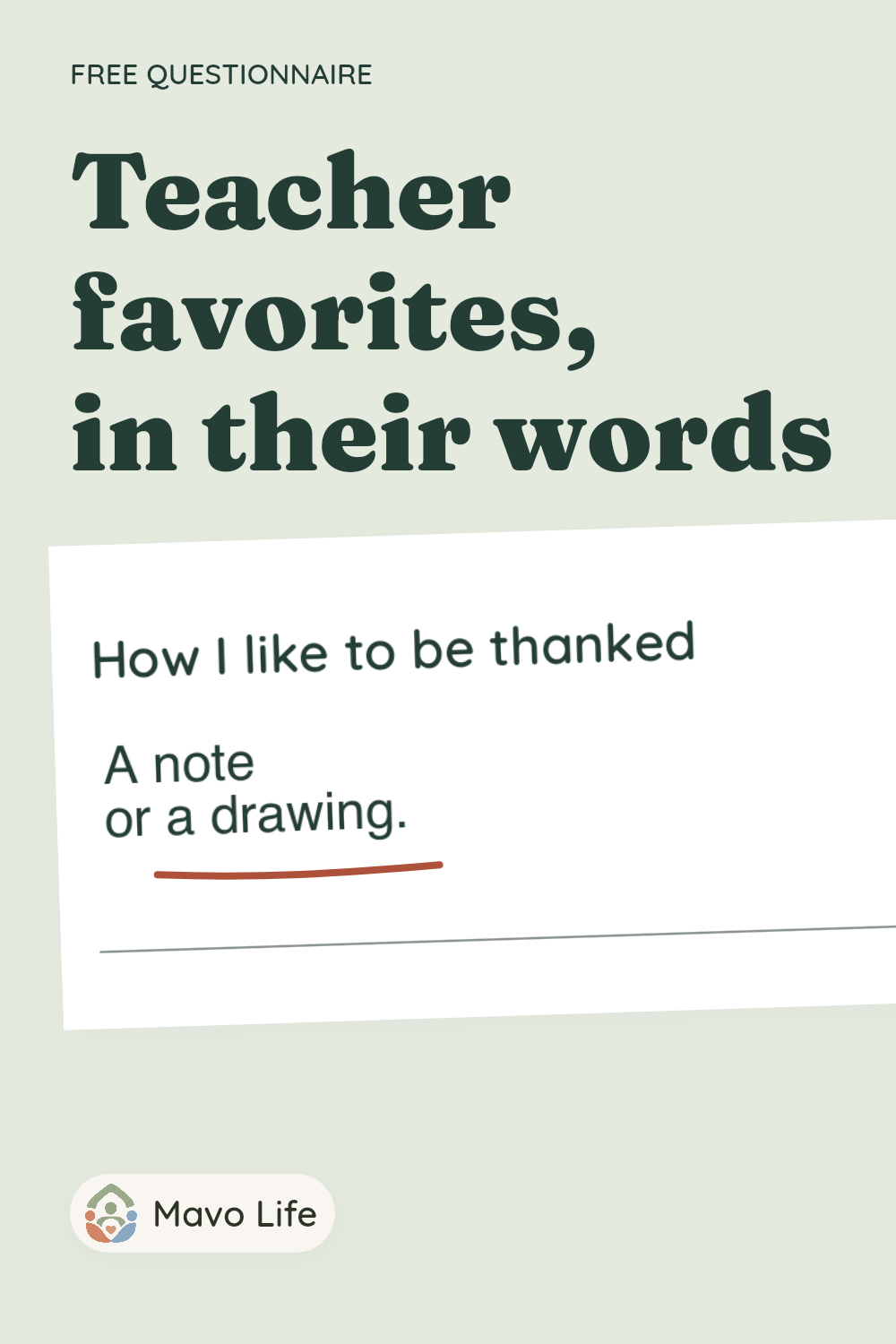
Teacher favorite things questionnaire
Give a teacher room to share a few favorites: interests, colors, useful classroom supplies, and how they like to be thanked. This one-page questionnaire keeps every prompt optional and leaves out food preferences, birthdays, and health questions.
Choose a paper size and download the version you want. No email or account required.
Each download contains the same single questionnaire. The fillable versions let you type answers, add one custom question, and save the file. The other printed questions and the layout stay fixed.
Preview the questionnaire
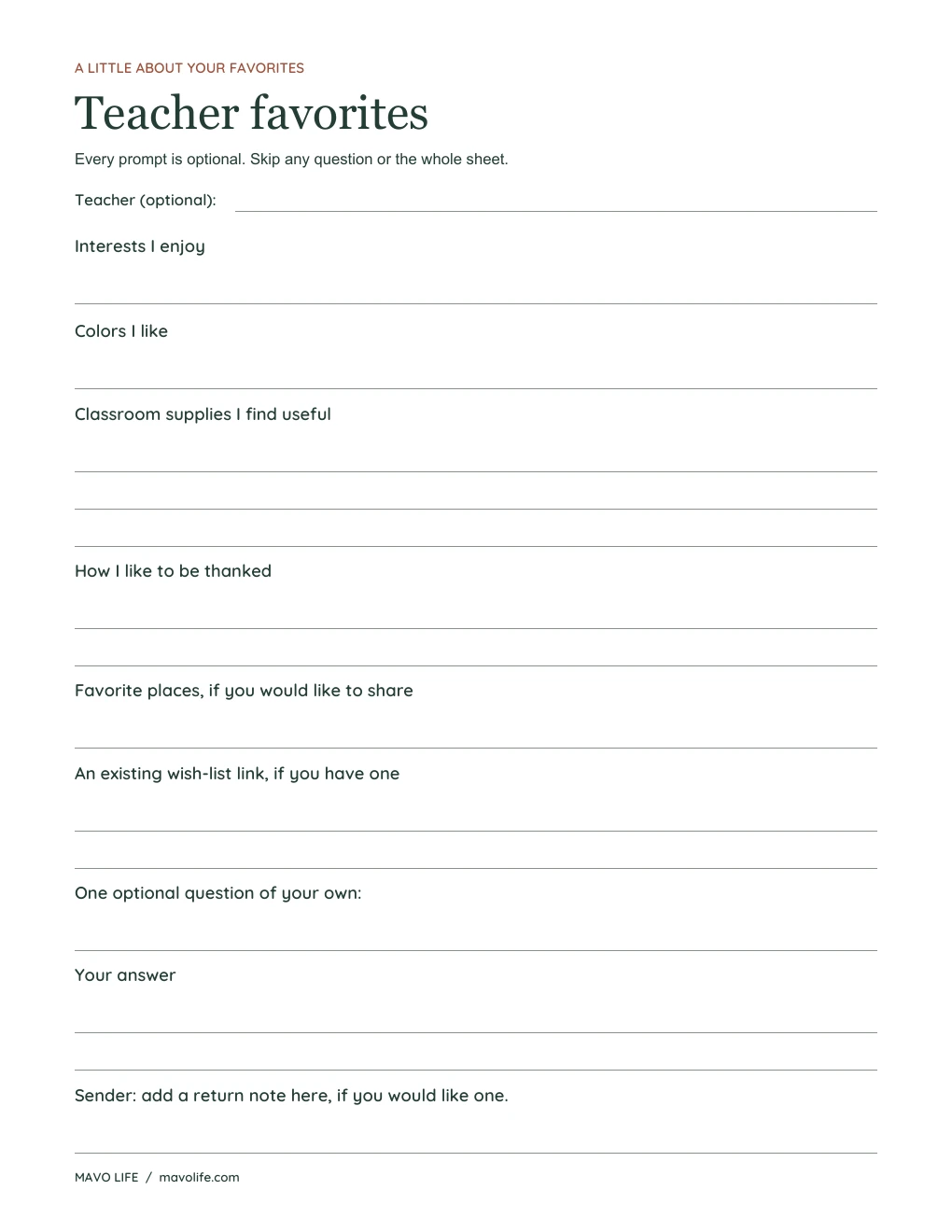
Enlarge the Letter preview · See the A4 preview
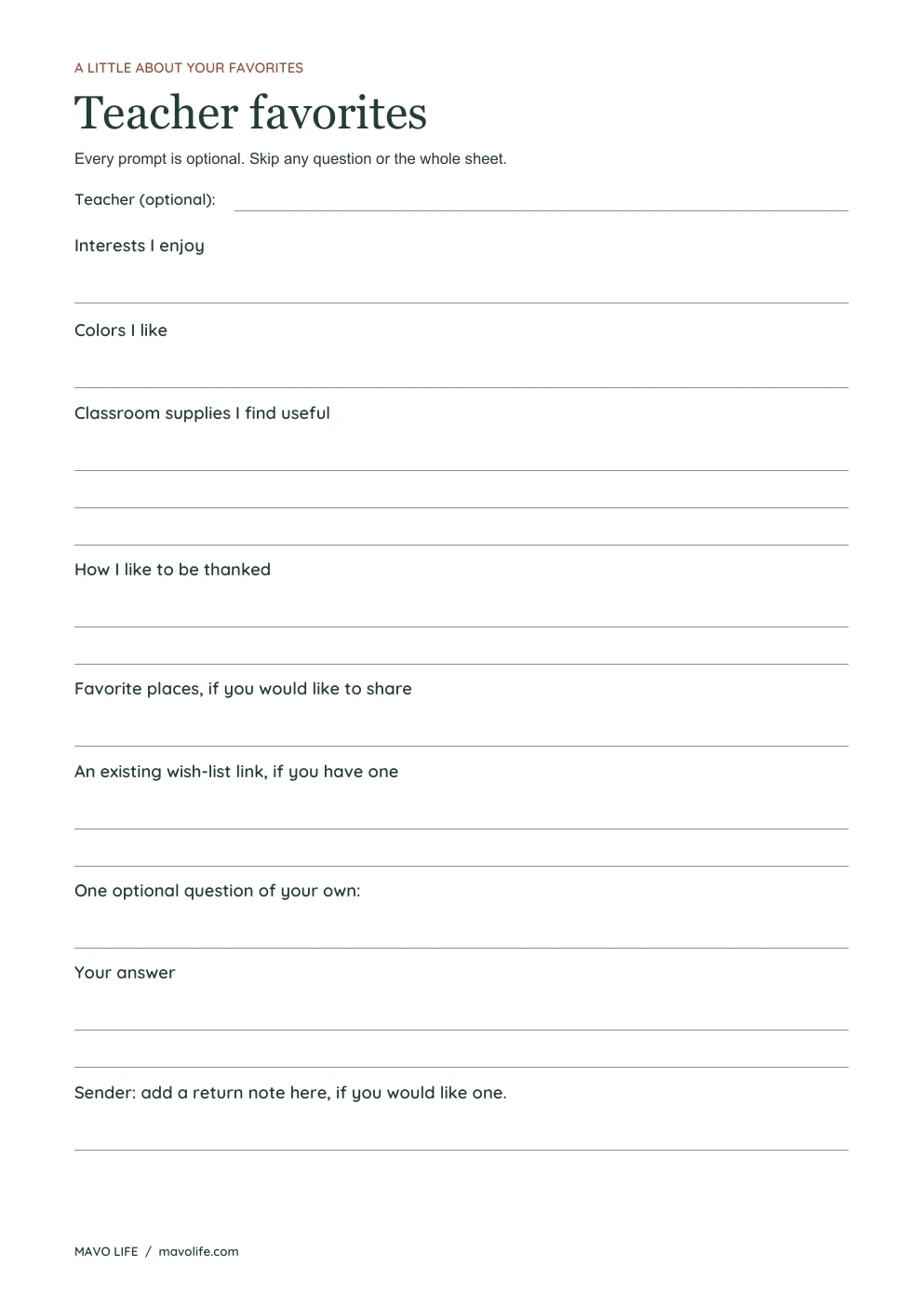
The sheet has longer spaces for classroom supplies and an existing wish-list link. It prints on white paper with dark lettering and light writing lines. The questions remain readable in grayscale.
What to put in the blanks
A short phrase is enough for most prompts. An optional teacher-name line helps identify the completed sheet. The teacher can leave any line empty, including the places and wish-list questions.
- Interests and colors: A few favorites in the teacher's own words, such as “watercolor painting” or “deep green.”
- Classroom supplies: Space for specifics that distinguish one item from another, such as “wide-ruled notebooks” or “plain index cards.” This line can also say that nothing is needed.
- Preferred thanks: A note, a drawing, or another preference the teacher chooses to share. “No gifts, please” is a complete answer.
- Favorite places: An optional place the teacher enjoys. There is no shopping checklist to complete.
- Existing wish-list link: A place for a link that already exists. Leave it blank if there isn't one.
The final question-and-answer pair is open. You could write “Is there a book topic you especially enjoy?” or leave both lines blank. In the fillable PDF, the sender can type that question before passing along the file.
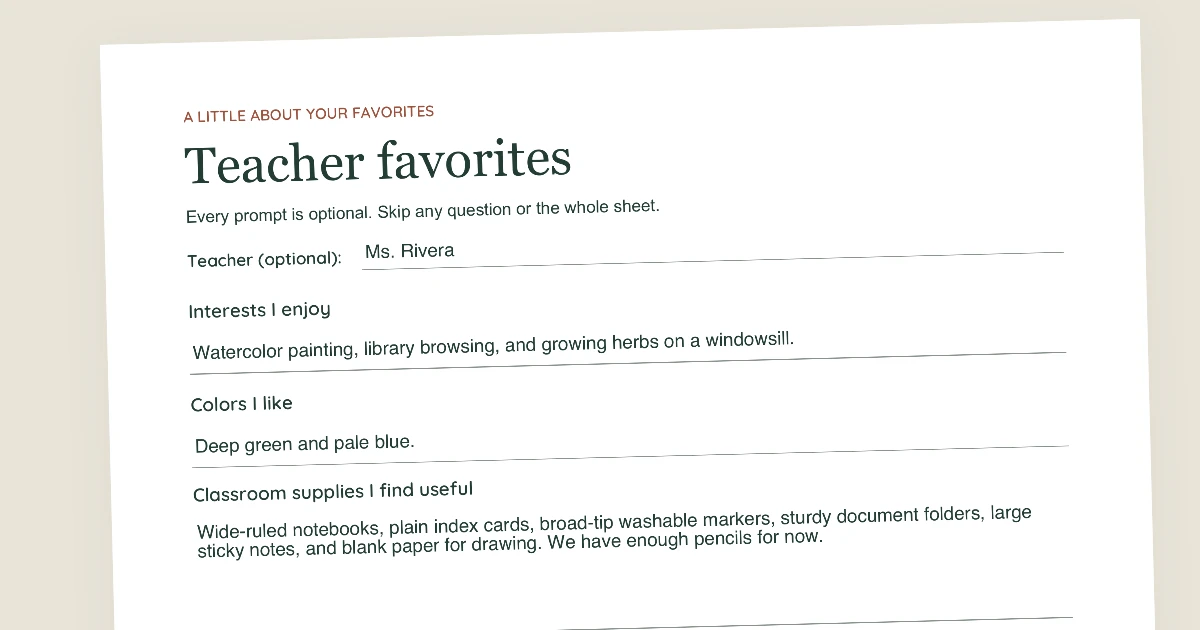
A completed example
This fictional example shows how short answers, a fuller supply list, and a long link fit on the page. These answers are not included in the blank downloads, and the example.com address is only a placeholder.
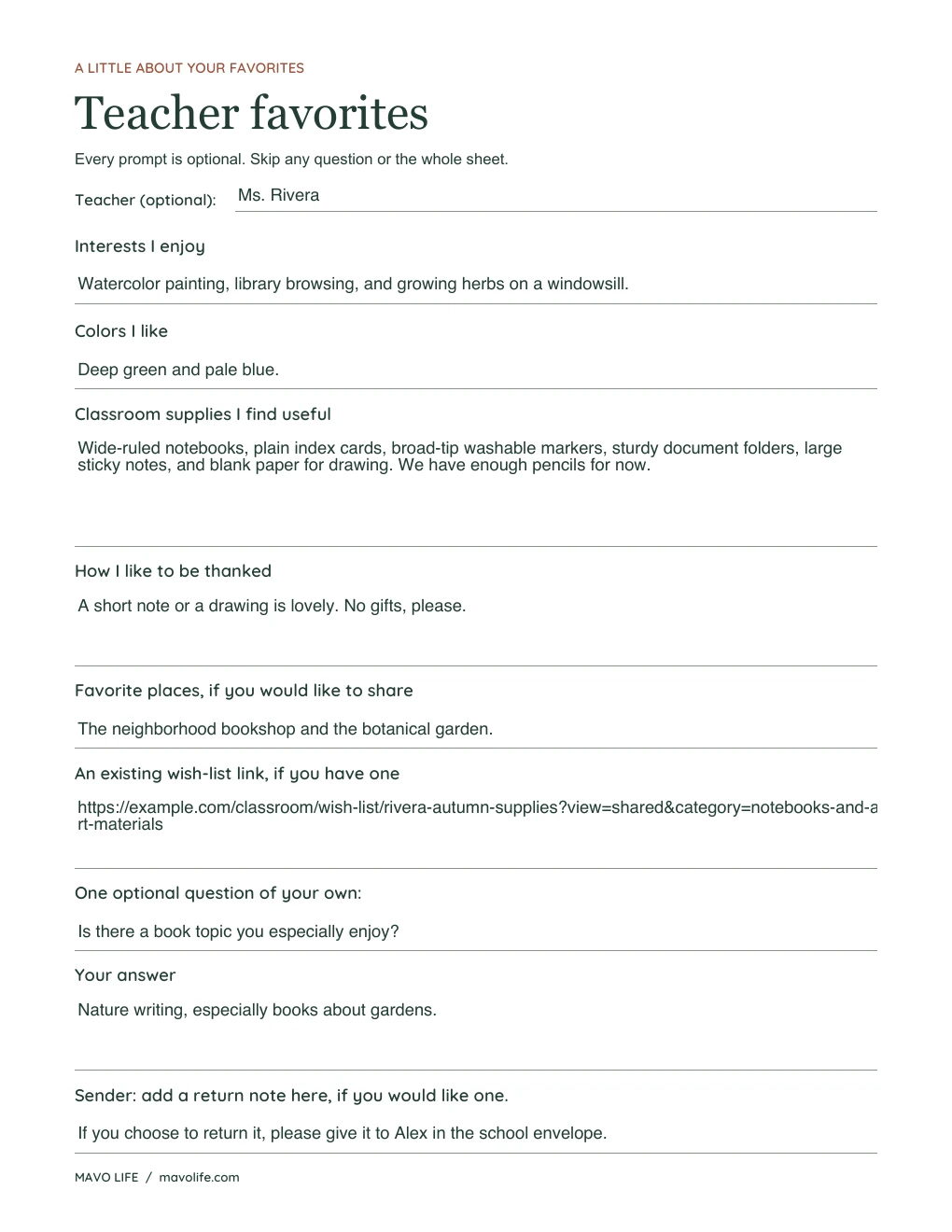
For a long address, paste the complete link into the fillable version so it doesn't need to be copied by hand. Keep answers within the visible space. Before returning a typed copy, save it, close it, and reopen it to check that the entire answer is still visible.
A short note to send with it
You can offer the sheet without adding a deadline or asking for every blank to be filled. Add your return note at the bottom first, then adapt this wording:
If you'd like to share a few favorites, here's a short form. Please skip any question, or the whole sheet. You're welcome to return it directly to me using the note at the bottom. Thank you!
The return line can be as brief as “Please give it to Alex in the school envelope.” Leave it blank if you've already agreed how to return the sheet.
Print it or save a typed copy
For handwriting, choose the Print PDF that matches your paper. Print one page at Actual size or 100%, with one document page per sheet. Check the first copy before making more. The writing lines are one-third of an inch apart at that setting.
For typing, download the Fillable PDF before entering answers. Open it in a PDF reader that supports form fields, then select a blank and type. Save a new copy so you can keep the blank original.
Text fields have limited space. Shorten an answer if it reaches the edge, or use the back of a printed sheet for more detail. If a phone or browser preview won't let you edit or save, open the downloaded file in a PDF reader, or use the print version. Check the saved file before sending or printing it.
For a separate conversation about your child's learning, use the parent-teacher conference questions. Browse the free printable library for more sheets.
Save this questionnaire