Kids & routines · July 21, 2026 · 6 min read
Homework Chart Printable for This Week's Work
A free fillable homework chart printable that holds one week of next steps, and why you shouldn't copy the whole assignment list home from the portal.
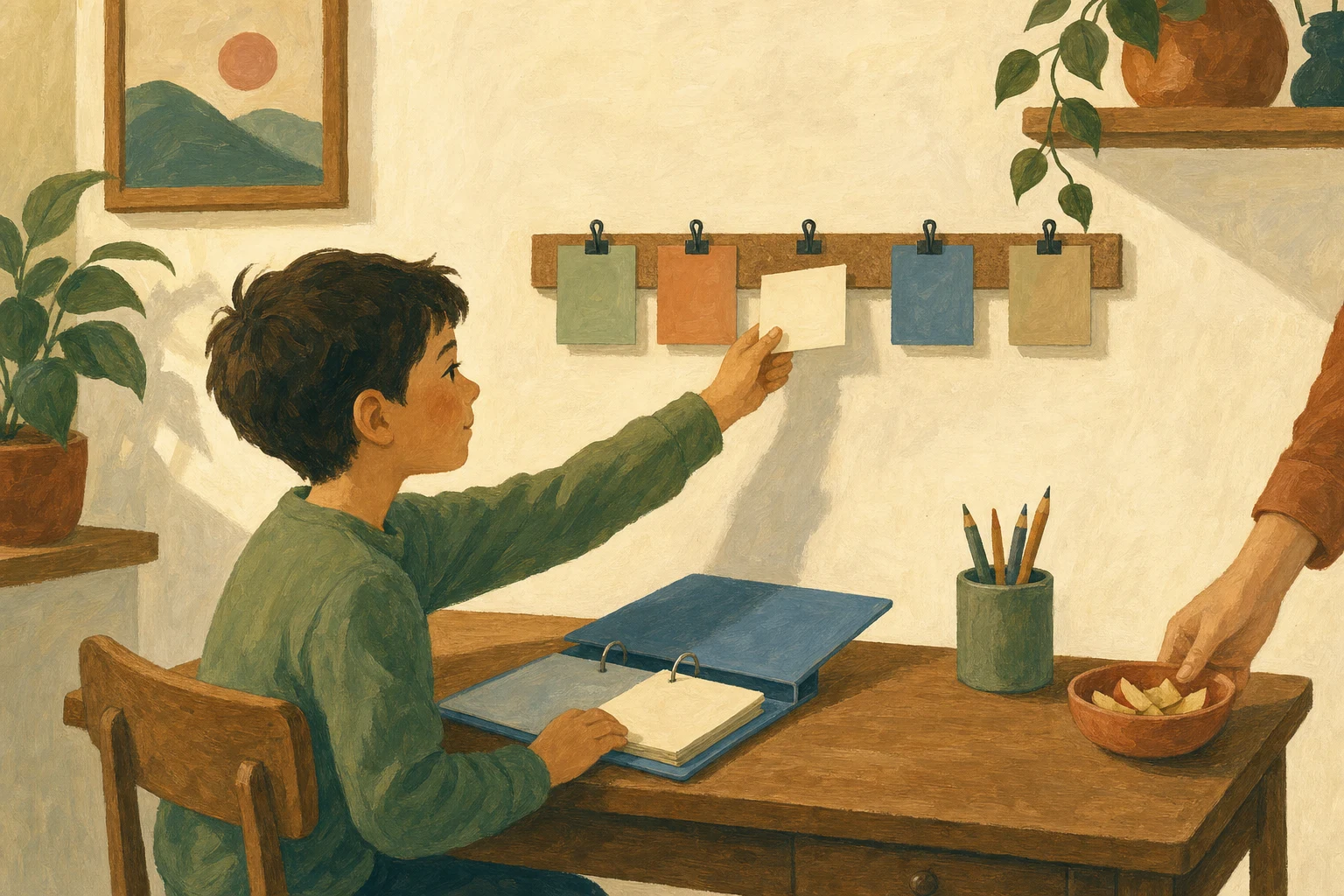
Paper can stay in sight at the homework spot. The current directions may still live at school. They may also sit in a portal or in the bottom of a backpack. Rebuilding the teacher's whole system on the kitchen wall creates another list to reconcile. At home, you only need the next action a student can take.
The record already exists. The teacher keeps it in the planner the school makes your kid carry, or in a portal you can open from the couch. This free fillable chart doesn't try to replace either one. It holds one week of next steps, posted where the homework gets done.
What goes on the chart
Each day has room for the subject and due date. The middle box holds the assignment or next step, and the final box closes the row. Post it beside the desk or on the fridge. Choose the place where the backpack gets opened after school.
The full assignment list stays wherever the school put it. A middle schooler's six classes already live in a planner or a portal, and copying them onto a second page at home means two lists that have to keep agreeing with each other. When the directions change on Wednesday, the teacher's copy updates itself. Yours wouldn't.
A first grader with one reading page needs one row. A seventh grader with a project due Friday and daily math on top of it needs the week laid out. Either way, the chart only holds work that has a step to take this week.
Download the free homework chart
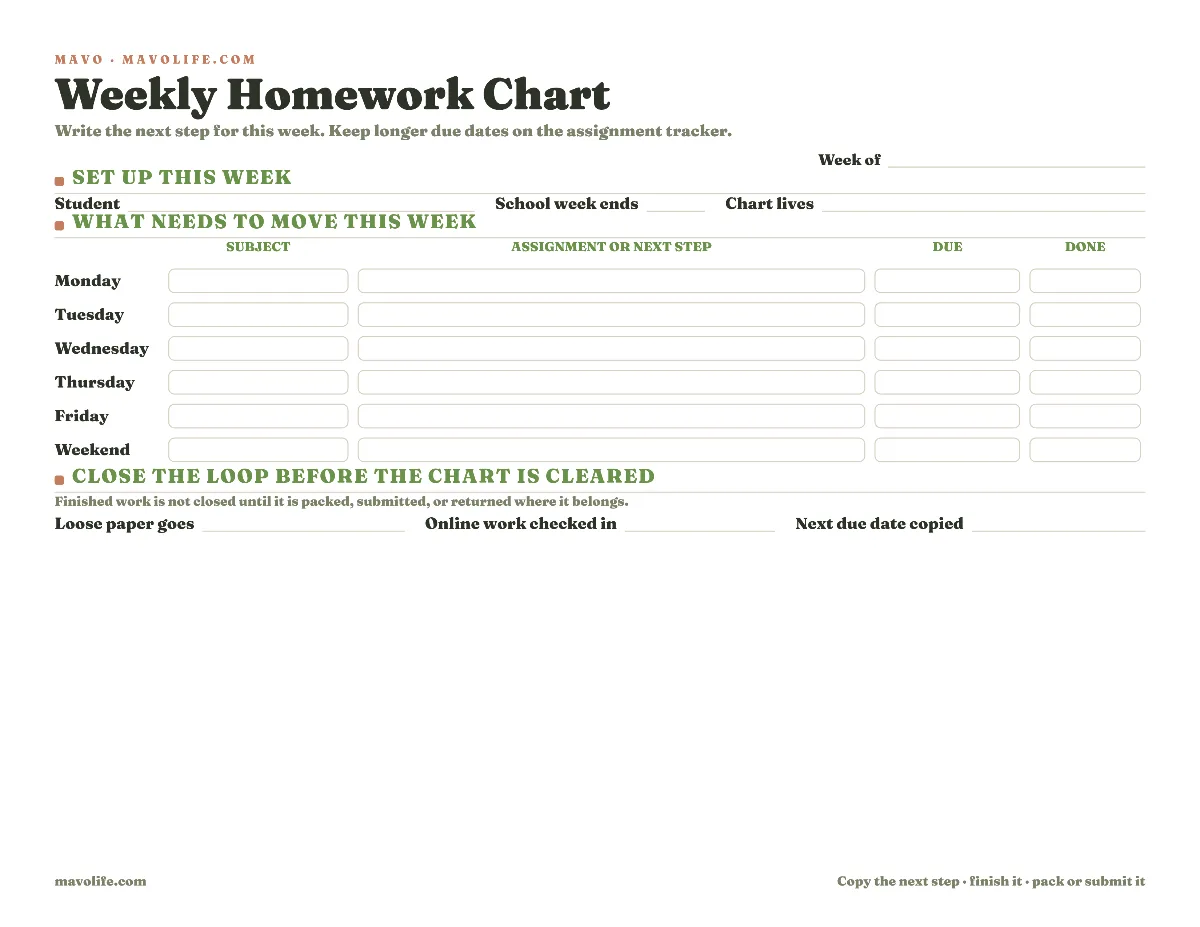
Download the fillable weekly homework chart (PDF)
The file can be typed into before printing or filled out by hand. Print at full size on US letter paper. If the chart will be reused each week, a dry-erase sleeve can work, but keep changing due dates in the planner or the school's portal rather than trusting an old mark on the sleeve.
Trust the capture the school already runs
An assignment has to get written down the moment it's given, and schools know it. That's why the planner comes home in the August supply pile, and why portals post the directions the same day. Don't build a rival capture system at home; no page on the kitchen wall can record what happened in fourth period. If the planner is coming home blank, that's a conversation with the student or the teacher, not a reason to print more paper.
Copy the teacher's date onto the chart rather than guessing from phrases such as “next class.” If online directions change, the teacher's current source wins, whether that's a class page, an assignment sheet, or a message.
Keep the next step small enough to start. “Science project due Friday” is what the planner says. On Tuesday's chart, write “choose the project topic.” Wednesday might say “bring cardboard from the garage.” Thursday might say “finish labels and pack the board.” The due date stays put in the planner, but the posted chart answers today's question.
Move only this week's work to the chart
Choose one regular transfer moment after the backpack opens or after dinner. Do it before the chart is cleared for a new week. Read the planner or the portal from top to bottom and copy only the work that needs a place on the current chart.
Do not copy every future assignment. The chart should remain readable from a few feet away. A report due in three weeks can stay in the planner until it needs a current step. A spelling page due tomorrow belongs on tonight's row. A project with several parts may appear on three different days, but each row should name a different action.
If a day is already crowded, that is information. Move a flexible step earlier or ask which assignment comes first. A lower-priority family task may need to leave the evening. The chart cannot decide what a teacher will accept late, and it shouldn't pretend that six substantial assignments fit into the same hour.

Mark done after the return handoff
Finished on the kitchen table and turned in are two different states. Before checking the last box, complete the return handoff. Put paper in the correct folder. Upload online work, and place a traveling project beside the backpack. The last box on each chart row is there for the quietest homework failure: the work happened, but the handoff didn't.
For paper work, choose one return pocket and use it every time. For online work, let “submitted” mean the upload or turn-in action is complete, not simply that the document was saved. For a project that travels in pieces, write what has to leave the house: poster; model; permission page; book; presentation notes.
Clear the weekly chart only after unfinished work has a new home. Copy a remaining next step to next week's chart or let the assignment wait in the planner until it has one. Erasing an open row because Friday ended makes the page look clean, but it does not answer what happens Monday.
Fit the chart to your family's school week
For one younger child, post the weekly chart at eye level and keep the due dates with the adult who reads school messages. The child can still check off finished work without being asked to maintain every future due date.
For several children, print one chart per child rather than squeezing several names into each row. Use a different paper color if the pages share one wall. Separate clipboards or magnets can help too. Leave the planners in the kids' own binders so assignments don't become another family master list that only one parent can decode.
Across two homes, the planner travels with the school bag anyway; put a weekly chart in each homework spot. Both adults should follow the same teacher source when dates change. Avoid making the student reconcile two different copies of the long assignment list.
When the school uses an online portal, treat the portal as the current record. The chart carries only the assignments that need an offline reminder or a home action. And if the portal's weekly view already gets checked at the homework spot every day, you don't need the chart at all. It's for the house where the record lives somewhere nobody looks after 3pm.
For the rest of the school handoff, the school morning launch pad keeps everything that must leave together. The school-email system gives parent-facing messages a separate place from a student's assignment list. You can also browse every free family printable.
At the end of the week, look for the row that kept moving. The useful question isn't whether the chart stayed neat. Ask whether that assignment needs a smaller next step. If it still will not move, verify the due date or ask the teacher before it follows the family into another week.