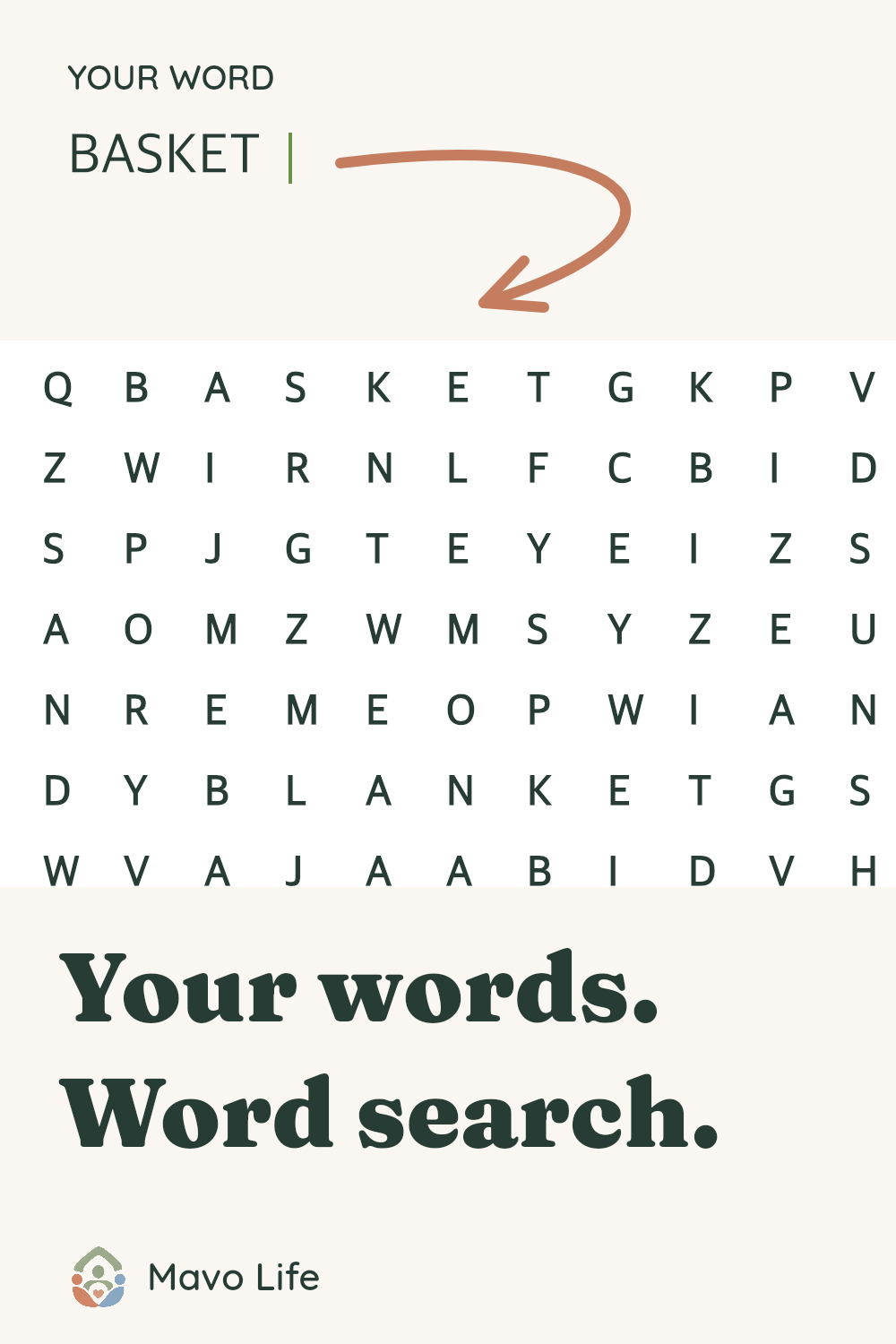
Choose words that belong together
The picnic example starts with eight familiar objects and places. Replace it with your own list: things packed for a trip, names of dishes at a gathering, or words connected to a shared hobby. A phrase such as “ice cream” prints as ICECREAM in both the grid and word list.
Each line must become a different word of 2–20 letters. CAFE and café become the same entry, so the maker asks you to remove the duplicate. Numbers, emoji and unsupported letters are flagged rather than dropped. The original lines remain in the editor while you correct them.
Set the size and directions before printing
Start with right and down if you want words that read forwards. Adding downward diagonals means looking along sloping lines too. All eight directions also permits leftwards and upwards words. The instructions printed on both sheets match the choice you make.
A word must fit along one straight line. If your longest word has 14 letters, choose a grid of at least 14 × 14. A crowded list may need more space even when every word is short enough. The maker stops the download when it cannot place the full list; try a larger grid or remove a word yourself.
Rearrange the puzzle changes its layout and matching key together. Changing paper size keeps the same letters in the same cells. Download again after changing the words or directions, and keep each puzzle with the key from that same file.
Print the puzzle; keep the key
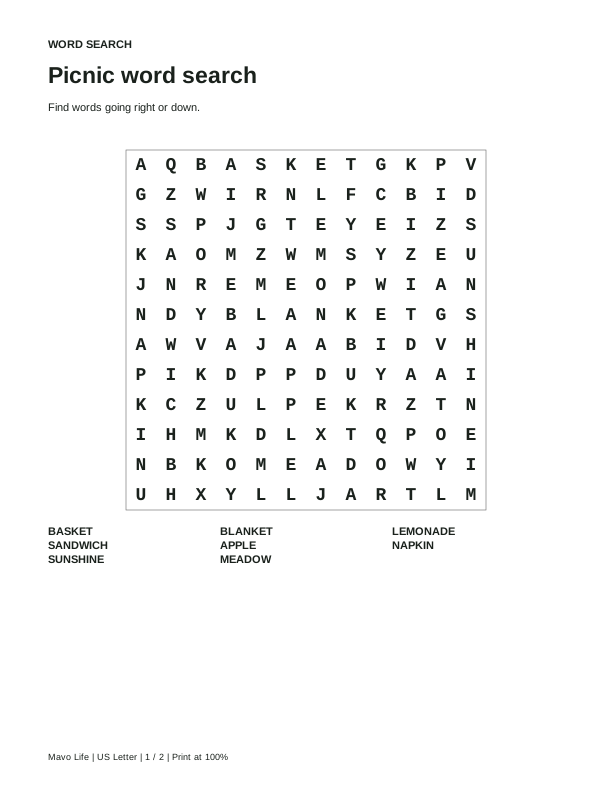
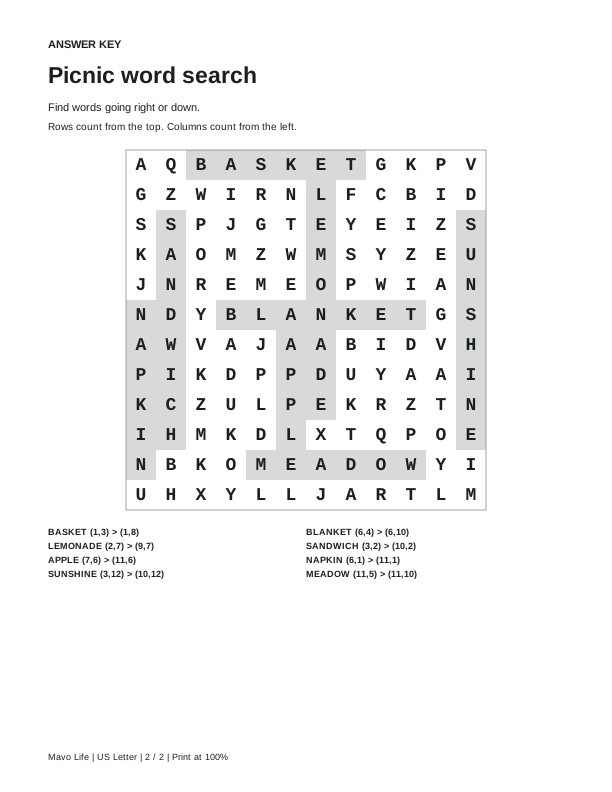
Choose the paper in your printer, then download the two-page PDF. Print single-sided at Actual size / 100%. Page one has the letter grid and word list; page two highlights the placed words in gray and lists each start and end cell. Coordinates are written as (row, column), counted from 1 at the upper left.
Letters print at 18 points in both paper sizes. The grid gets wider as you add cells, up to 400 points across. The key’s coordinate list uses smaller type, so inspect it full size before making several copies.
Read the whole grid before handing it out. Random filler letters can form unintended words or extra occurrences of a listed word. The key shows the placements made by this tool; it does not mark every accidental occurrence. The PDF is a finished print sheet. To change it, edit the words here and download another copy.
Try the picnic example
Download the eight-word example directly, with its matching key. These are the same sheets shown by the maker’s initial settings.
Another kind of word puzzle?
Use the Word Scramble Maker for jumbled letters with optional clues. If you want a ready-made game instead of entering a list, the sports word search has fixed puzzles and separate keys.
Published November 9, 2026.
Save a puzzle idea