Meal planning · July 4, 2026 · 6 min read
Dinner when one kid eats at five and two eat at eight
A schedule-first dinner plan for activity nights: map the week, choose realistic meals, name owners, and keep groceries in one place.
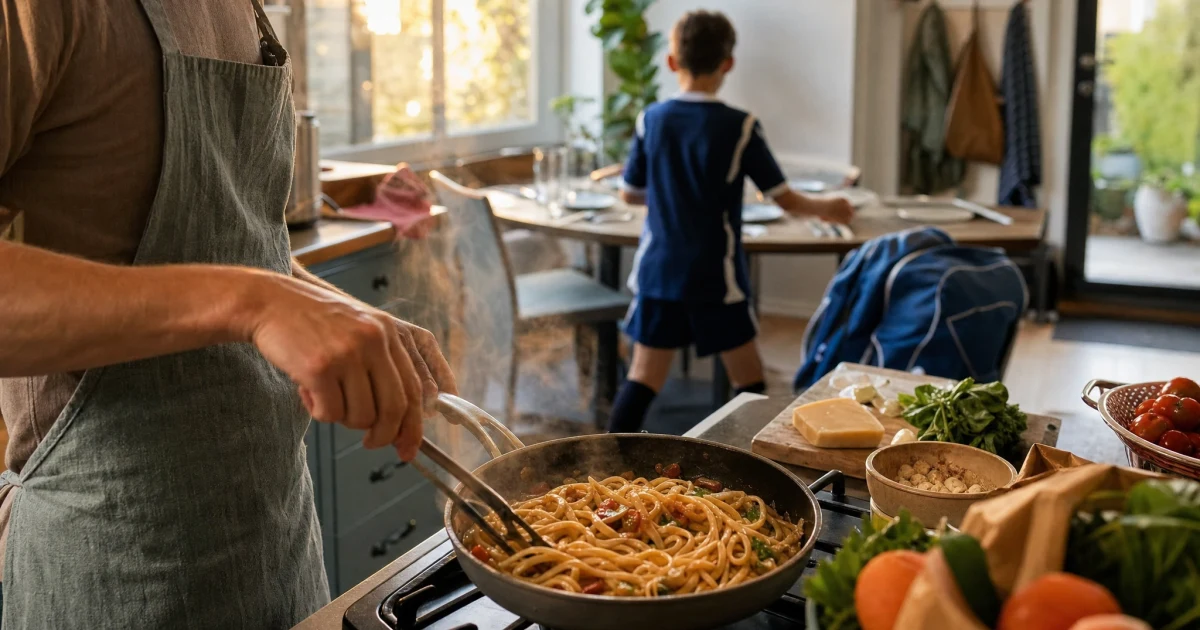
The same pasta dinner behaves differently when everyone eats together. It changes again when one child eats before practice and two people need a reheated plate later. The recipe hasn't changed. The moment dinner needs to work has.
So choose the eating window before you choose the meal. Decide whether food must be ready before leaving or wait until everyone returns. It may also need to travel or hold for two waves. Then check the family budget and pantry. Preferences and cooking capacity matter too.
That order turns "what's for dinner?" into a smaller decision. You aren't choosing from every meal your family likes. You're choosing from the meals that fit the night in front of you.
Sort nights before choosing meals
Read the family calendar and mark when people can eat. Practices, school events, late meetings, and pickup overlaps tell you whether dinner has one window, two windows, or no useful window at home. Give the night a type before writing down food. Epicurious's busy-family dinner themes use repeatable shapes for the same reason: a category narrows the weekly choice.
| Night type | What it means | Good dinner fit |
|---|---|---|
| Eat-together night | Most people can eat in one window. | Sheet-pan dinner, pasta, tacos, soup, or another meal that is best served once. |
| Split dinner | People need food in two waves. | Bowls, baked potatoes, pasta salad, burrito filling, or anything that holds and reheats well. |
| Car dinner | Someone needs food before, during, or after an activity away from home. | Wraps, sandwiches, snack plates, thermos food, or leftovers packed ahead. |
| Assembly night | The available adult time is for putting food together, not cooking from scratch. | Rotisserie chicken, bagged salad, freezer dumplings, eggs and toast. |
| Backup night | The schedule is likely to change or the planned meal has a fragile dependency. | Freezer food, leftovers, pantry pasta, or breakfast for dinner. |
The type isn't a judgment about what counts as a proper family dinner. It records the practical eating pattern. A split dinner can be the plan working exactly as intended.
If sports are crowding the week, put the season in one place before planning meals around it. Turn the schedule into one family calendar, then mark the nights when travel and pickup change the dinner window.
The weekly dinner map, ready to print
The one-page dinner map starts with the calendar constraint and night type. It leaves room for the meal and owner, plus a fallback and prep note. Print it before shopping or fill it on a computer. Lamination makes a weekly reset possible.
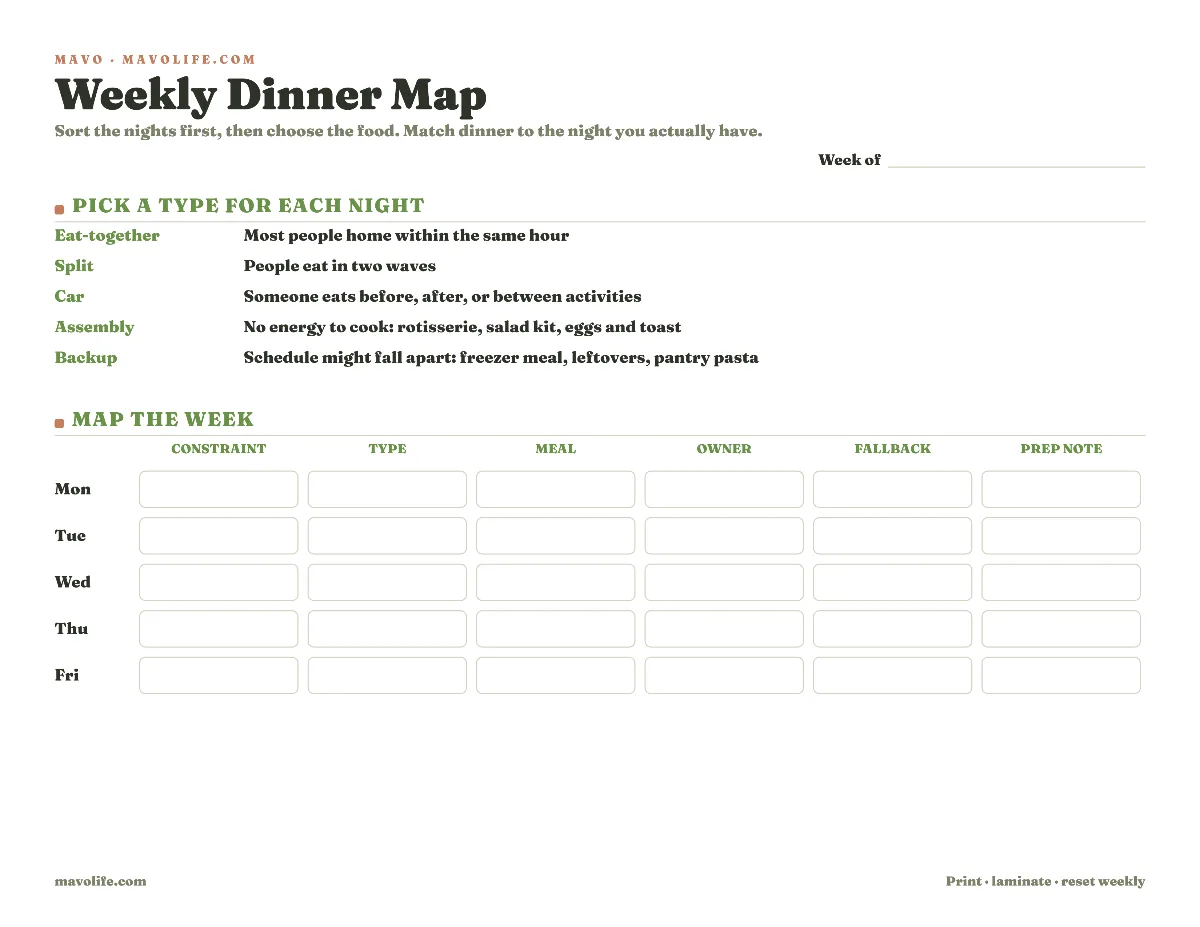
Download the printable dinner map (PDF)
Use the calendar constraint field to record the ready window in ordinary words: before practice, two waves, packed by pickup, or home late. The night type then narrows the meal. You don't need a new column or a precise minute unless the evening truly depends on one.
The owner line covers the person making the plan happen, whether that means cooking, reheating, packing, or picking up food. Dinner may say tacos while the work still includes thawing, shopping, starting rice, and packing something for the child leaving early. If one parent automatically absorbs those steps, that's part of the default-parent load, not merely a recipe choice.
Fill the week in ten minutes
Start with the night that has the narrowest window. If practice crosses the usual dinner hour, choose among three shapes before choosing food: eat before leaving, take food along, or serve it after returning. If different people need different answers, mark it as a split dinner.
Next, check dependencies. A meal that fits the timing may still fail because nobody can start it, an ingredient needs thawing, or the only cook is also driving. Write one prep move and one owner. If the meal requires more than the night can supply, move it to an easier day.
Then choose a fallback that uses ingredients you expect to have. "Takeout" can be a valid fallback if it fits the family budget and location. So can eggs, freezer dumplings, leftovers, or sandwiches. The useful fallback is specific enough that nobody has to restart meal planning when the schedule moves.
For each night, answer:
- When can each person eat?
- Does the food need to travel or reheat? Must it hold for a later plate?
- Who makes the meal available at that time?
- Which earlier step could sink it?
- What will replace it if the night changes?
EatingWell's Sunday prep plan also begins with the week's constraints. Use prep where it removes a real dependency, not as a second meal-planning project.
Keep the grocery list tied to the plan
Tie groceries to the dinner they support. That small label makes a schedule change much easier to handle because you can see which ingredients move with the meal. If you want the week and its shopping in one file, the meal planning template with grocery list keeps that connection for you.
Instead of:
- chicken
- tortillas
- fruit
- pasta
Try:
- Tuesday car dinner: tortillas; cheese; cooked chicken; apples
- Wednesday eat-together dinner: pasta; sauce; salad kit
- Thursday backup: freezer dumplings and frozen peas
- Friday split dinner: baked potatoes; chili; shredded cheese
If Tuesday changes, the tortillas and cooked chicken still have a purpose you can identify. If someone else shops, the list shows why each item is there without turning the grocery run into a guessing exercise.
School messages can change the dinner map after it is filled. When a newsletter adds a performance or potluck, put the date beside the week before adjusting meals. A system for turning school emails into dates and to-dos keeps the change from remaining in the inbox while the grocery list still reflects the old week.
Set it up in Mavo
In Mavo, the shared calendar, meals, grocery list, and owned tasks can sit together. Put the dinner type or ready window in the meal note, then assign one person to any event or task that needs a clear owner, such as packing the car dinner or picking up food.
When a school email or team notice changes the evening, forward or paste it into Mavo. Mavo AI can turn the message into plan items for review, and the family can update the meal and list after deciding what changes. Mavo doesn't automatically create a meal plan or grocery list from recipes, and it doesn't choose the fallback. It keeps the choices your family made beside the schedule that shaped them.
Short FAQ
What if we don't eat together most weeknights?
Then don't build a plan that depends on one eating window. Mark split dinner or car dinner. Assembly night may fit too. Choose food that can travel or be served twice, and check whether it holds.
What if one person does most of the cooking?
Cooking can have one owner while a grocery check, packed snack, or pickup belongs to someone else. Keep one clear lead for the meal so a simple dinner doesn't become a chart of tiny assignments.
What if the plan changes by Wednesday?
Use the written fallback or move the meal to another night. Update the grocery labels that move with it. You shouldn't need to reconsider every dinner because one practice changed.